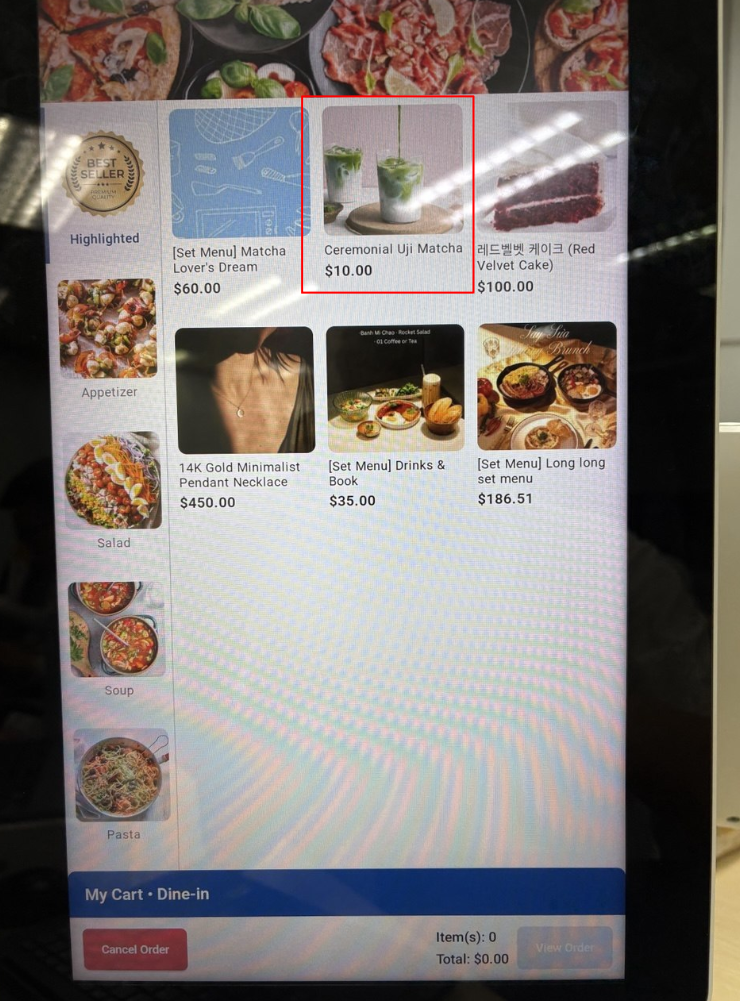
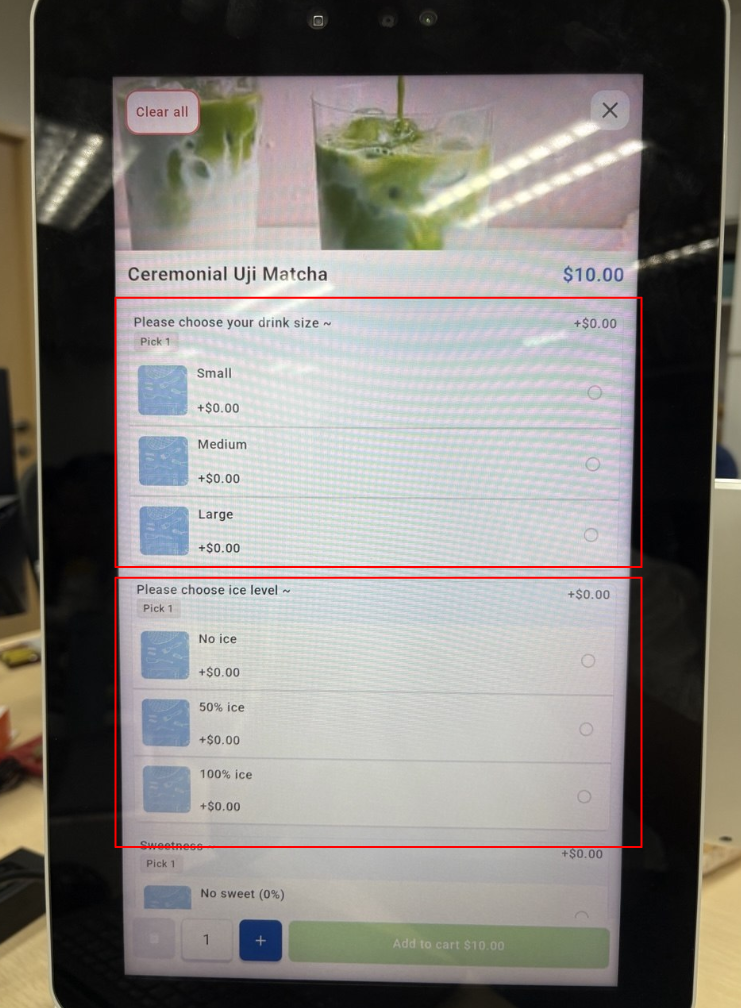
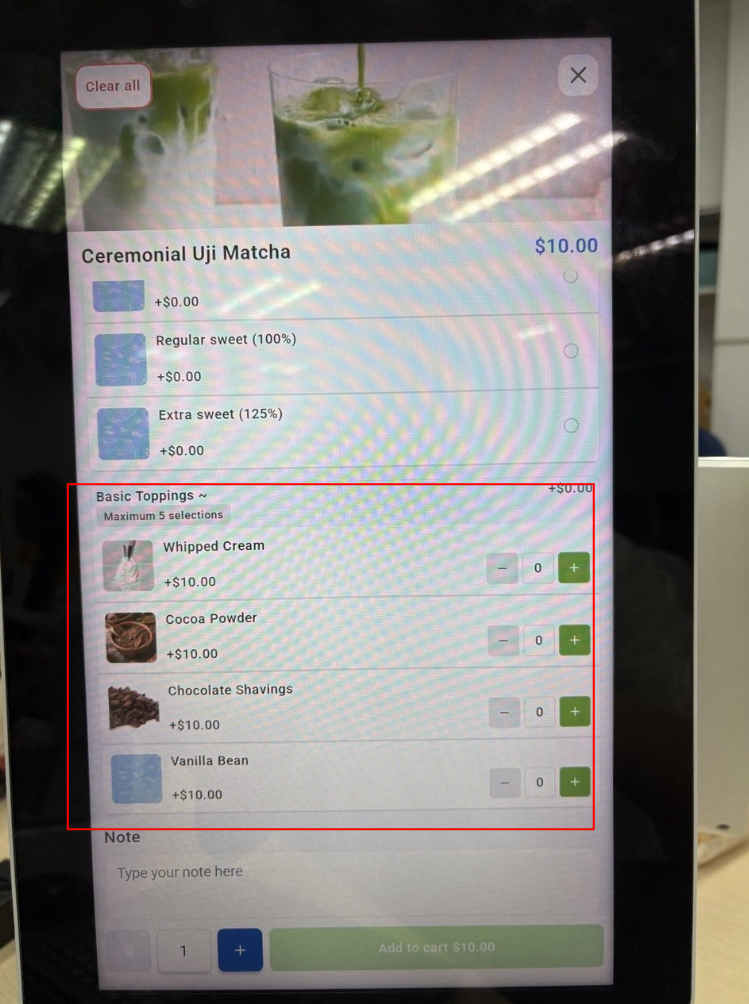
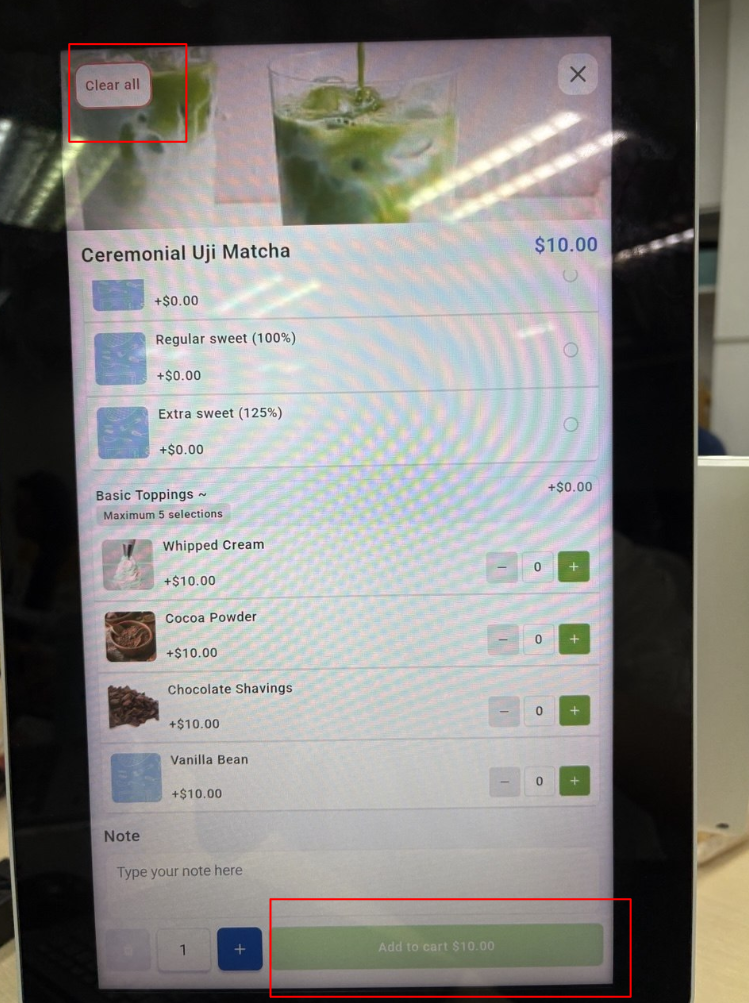
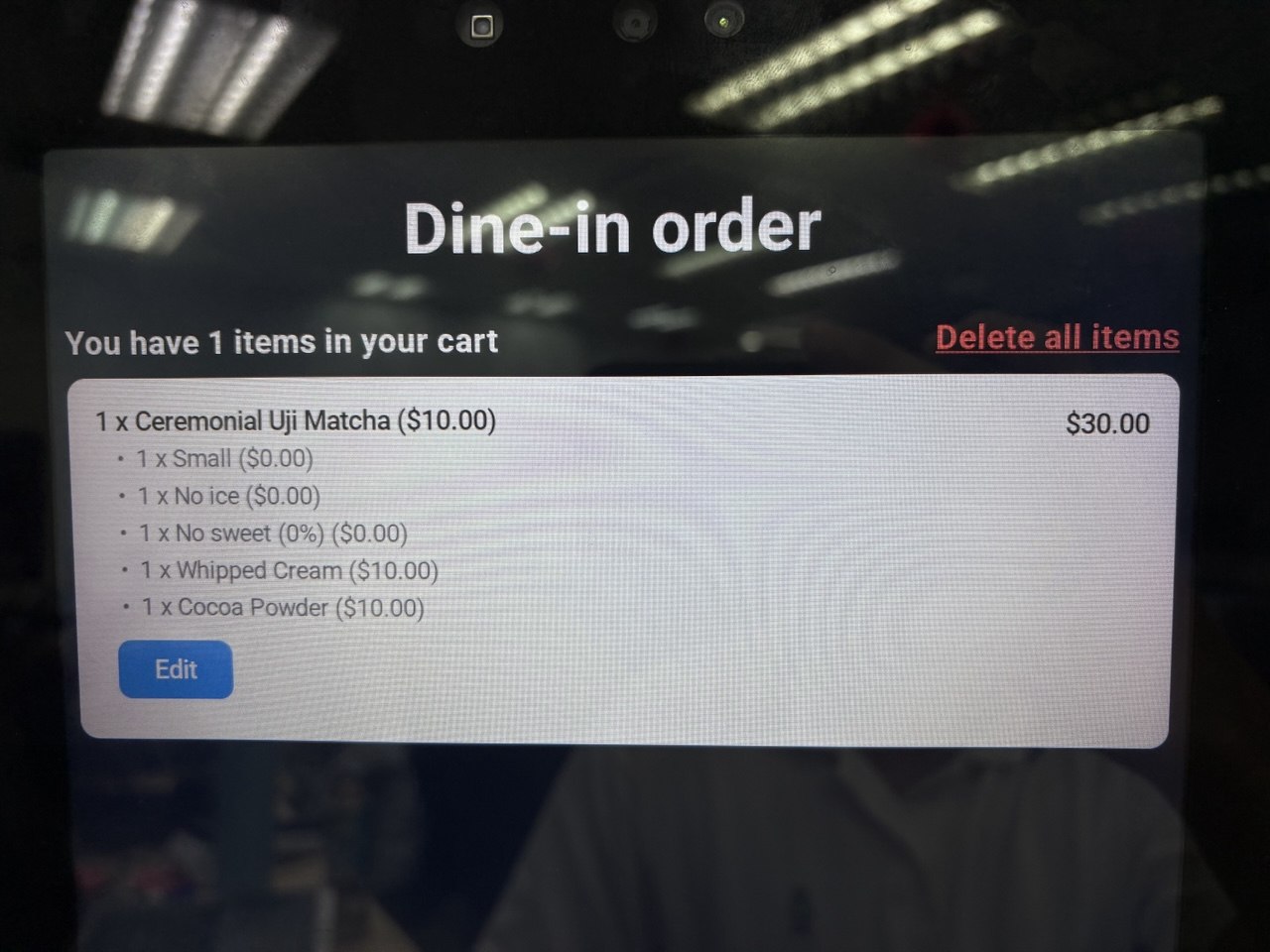
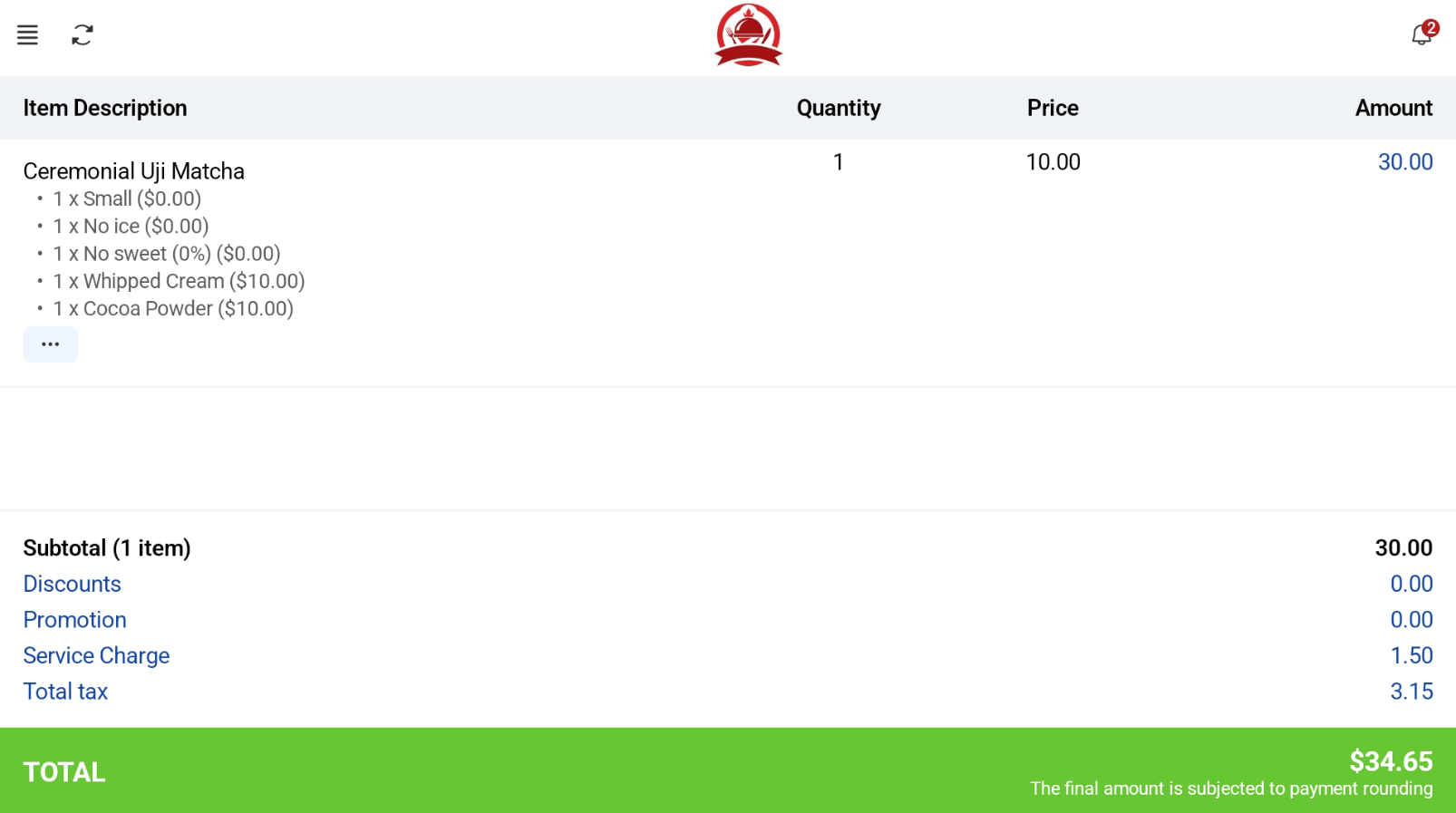
Users are able to include add-ons/options for products. Users can set up modifier products in the backend portal using this guide. User selects a product with modifier For options, it is compulsory for users to select a single selection from a group for a product. For add-ons, users can select as many selections as desired for a product based on the settings in the backend portal. Users are able to set a minimum/maximum number of selections for a product. After making all of the selections, users can click on the Add to Cart button to save the selections and add it into the order cart. Users can also click ‘Clear All’ to remove all of the selections made. Kiosk Mode Users will be able to see all the modifiers and add-ons in the product. POS Mode