
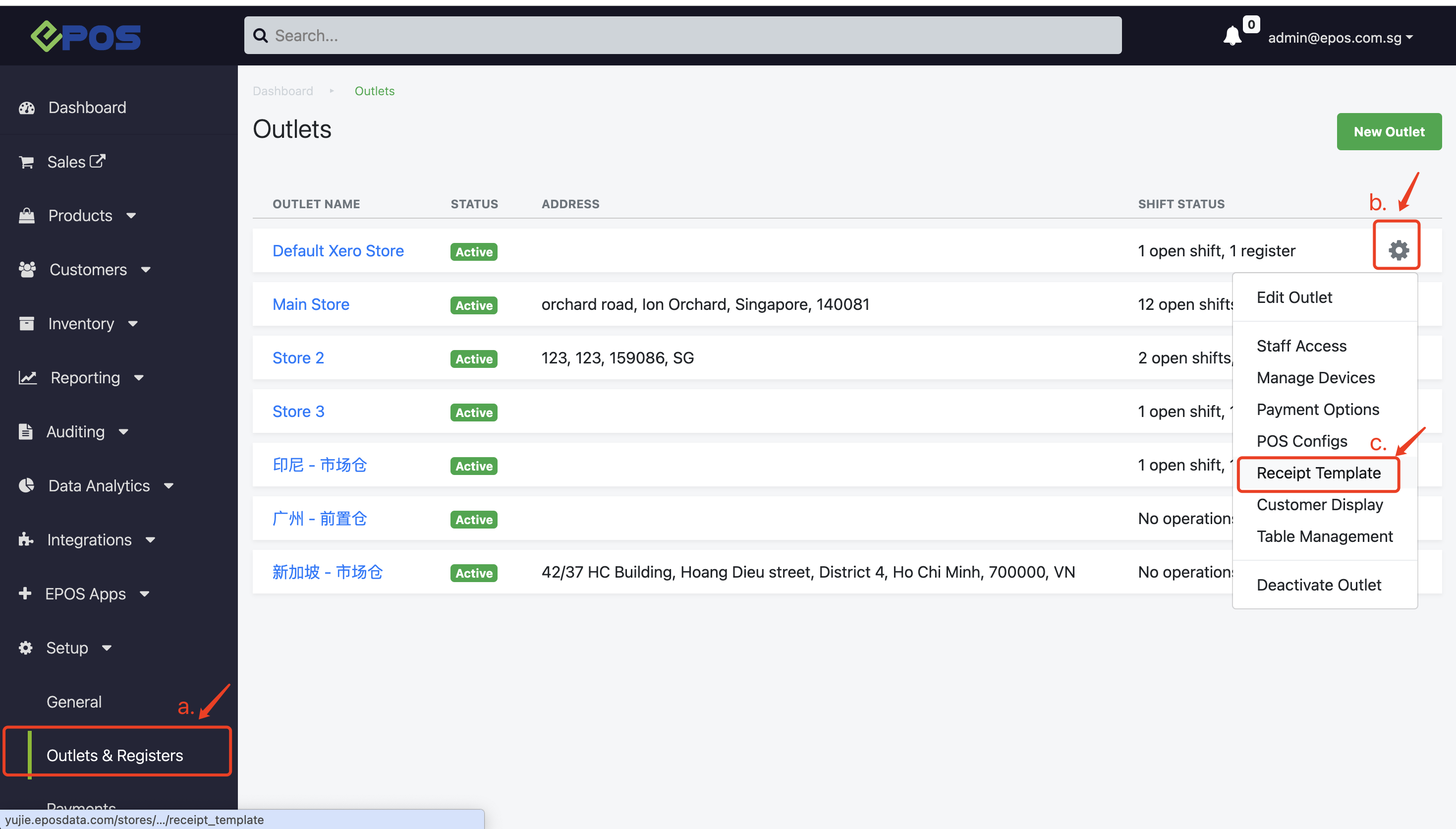
Go to the Backend, click “Setup”, the click the gear button
After that, click on “Receipt Template”. This will direct users to the Receipt Template page to edit and update the receipt and invoice templates.
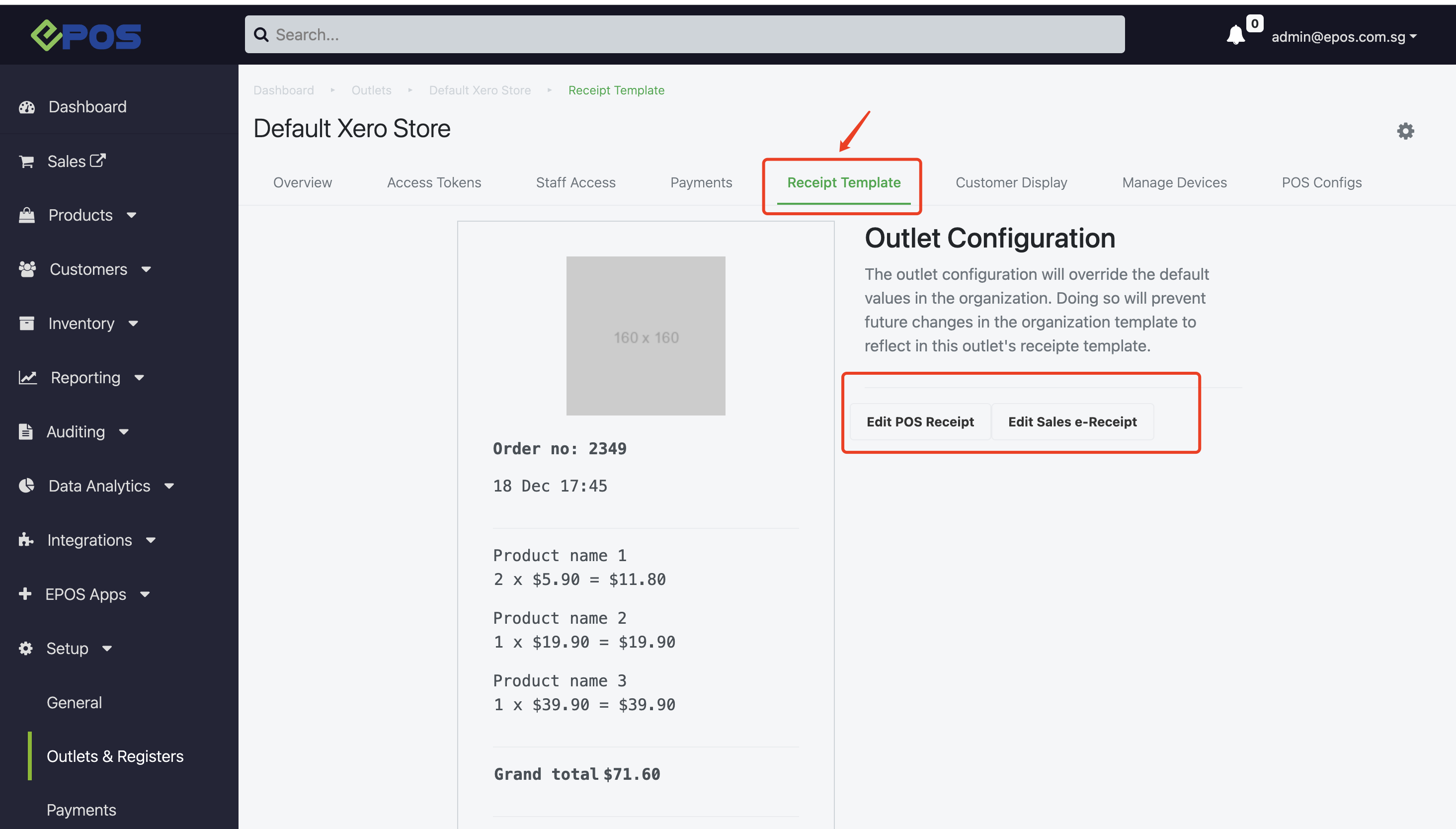
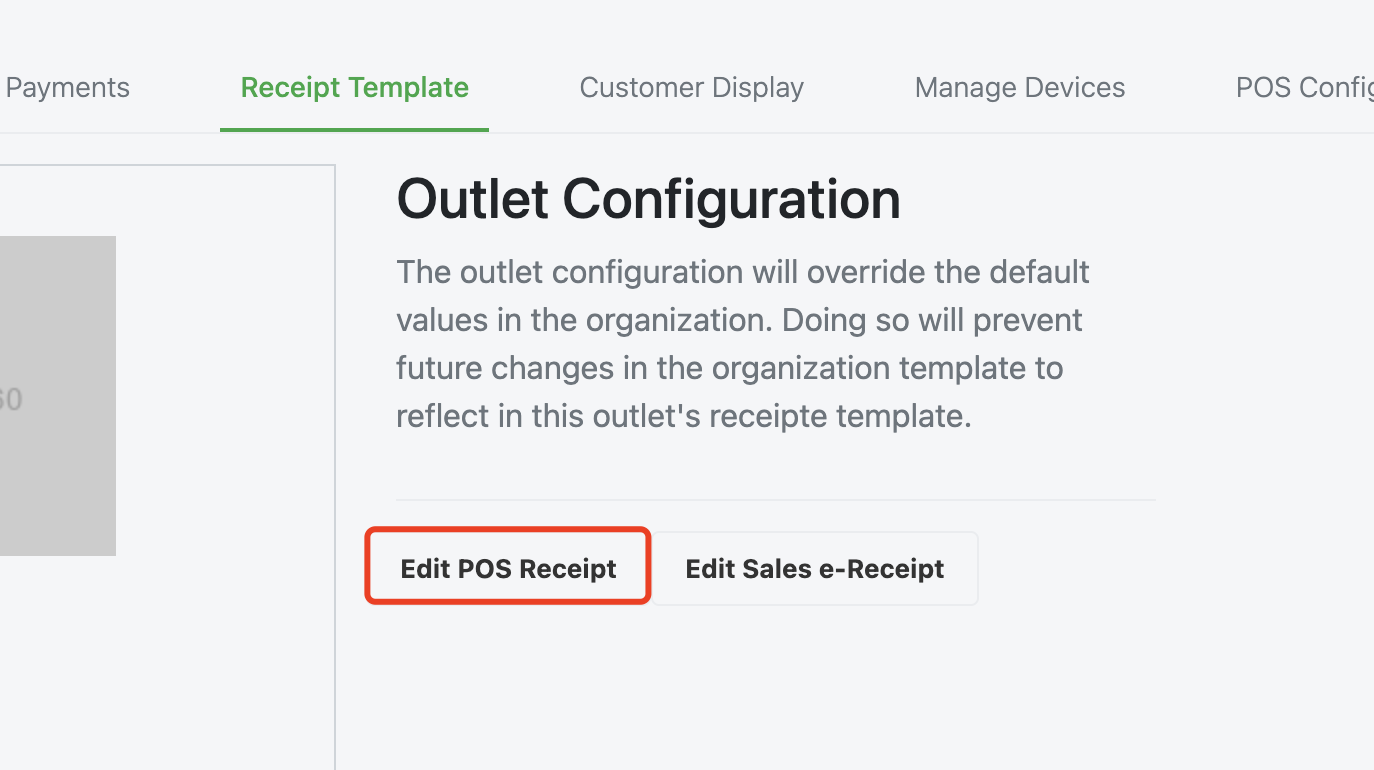
1. Edit POS Receipt
Allow users to edit the receipt template for the particular outlet. For more details on how to do so, refer here.
2. Edit Sales-e-Receipt
Allow users to edit the receipt template for the particular outlet. For more details on how to do so, refer here.
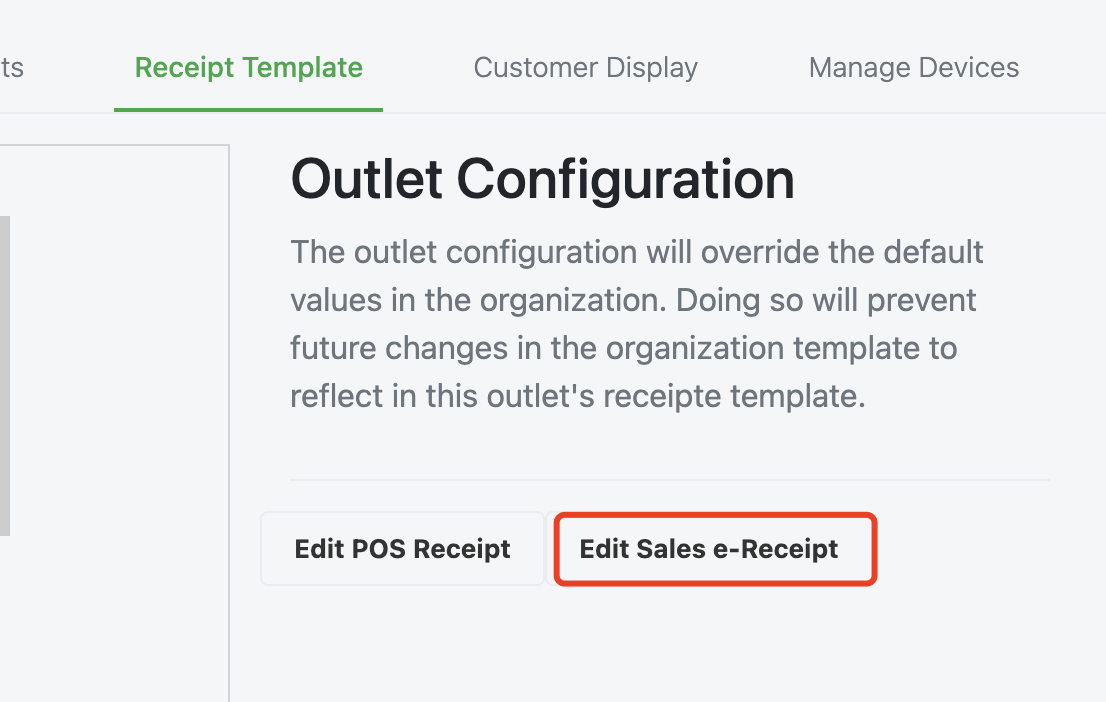
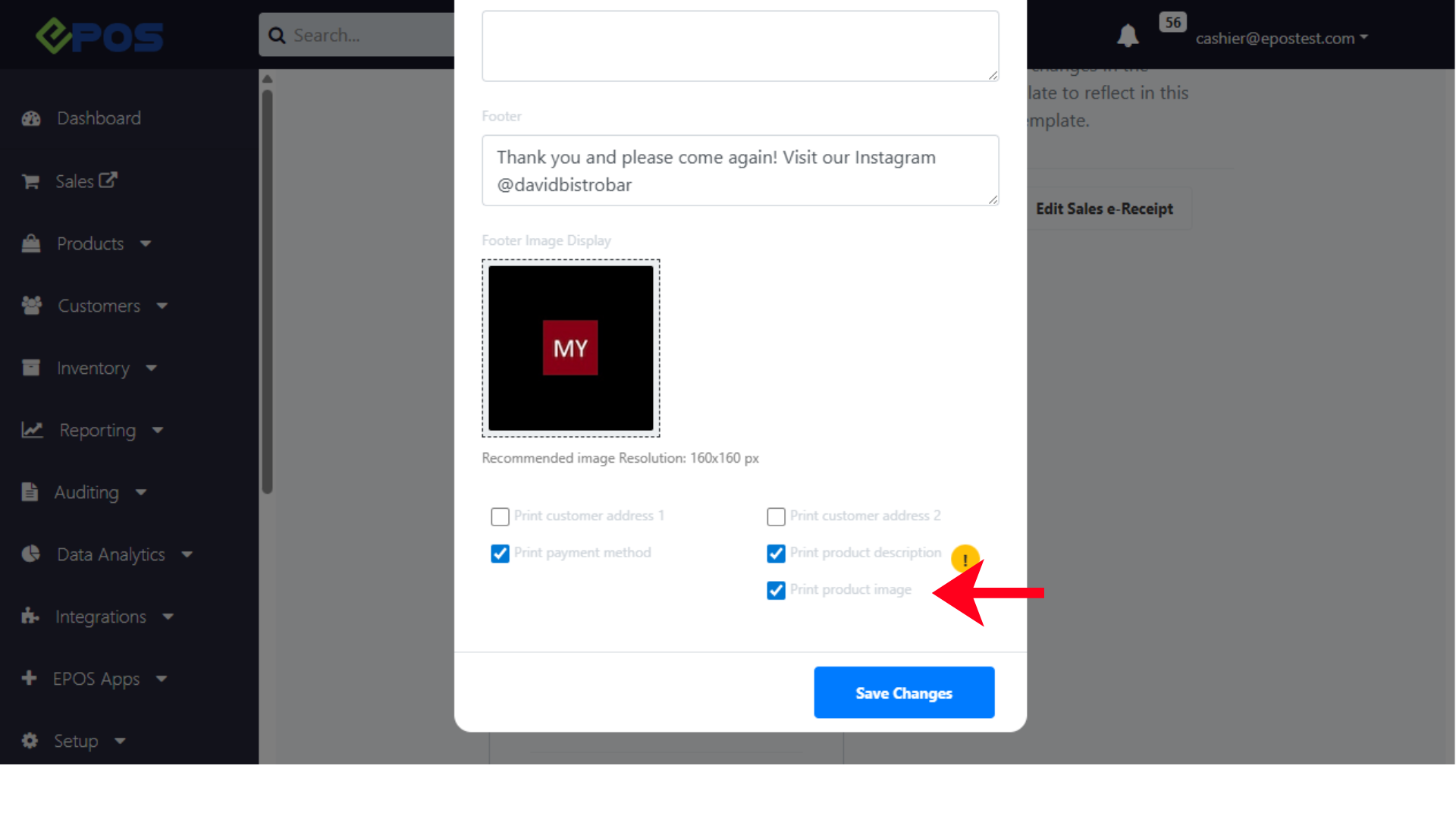
Under edit Sales e-Receipt, user can access and select the configuration to print images of products in the A4 sales receipt.
Was this article helpful?
YesNo
