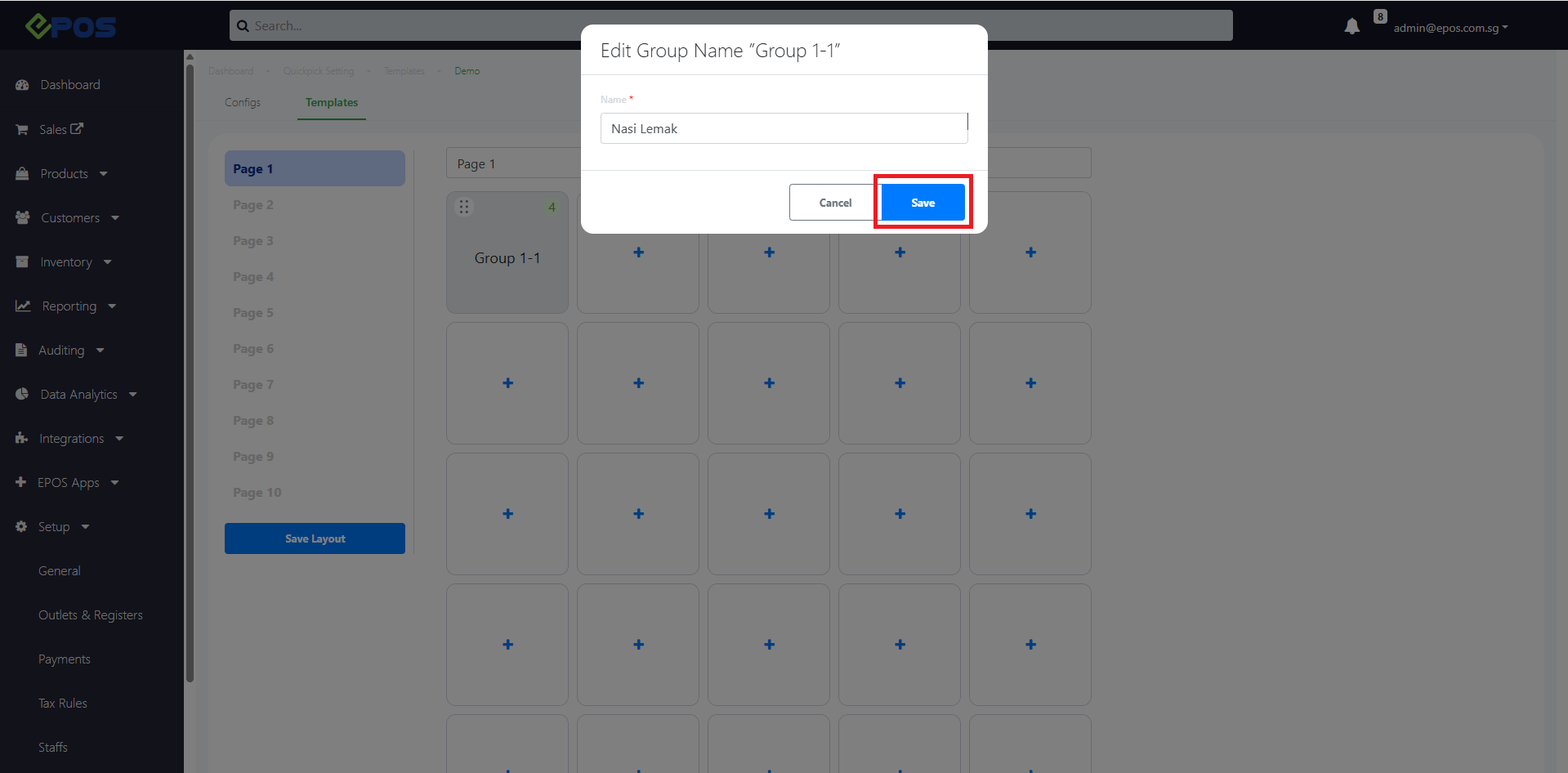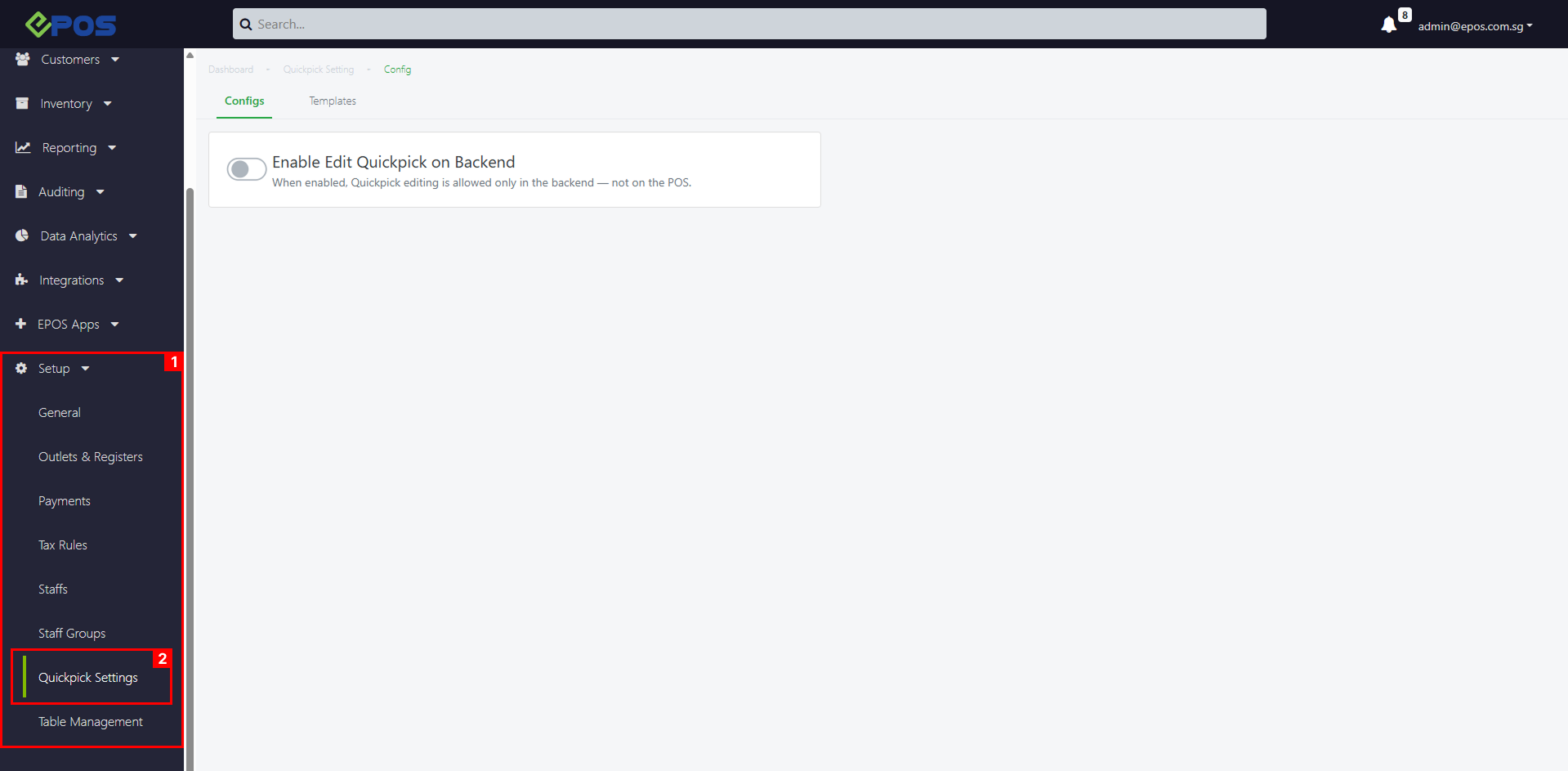
To add product groups to a Quickpick Template, follow these steps:
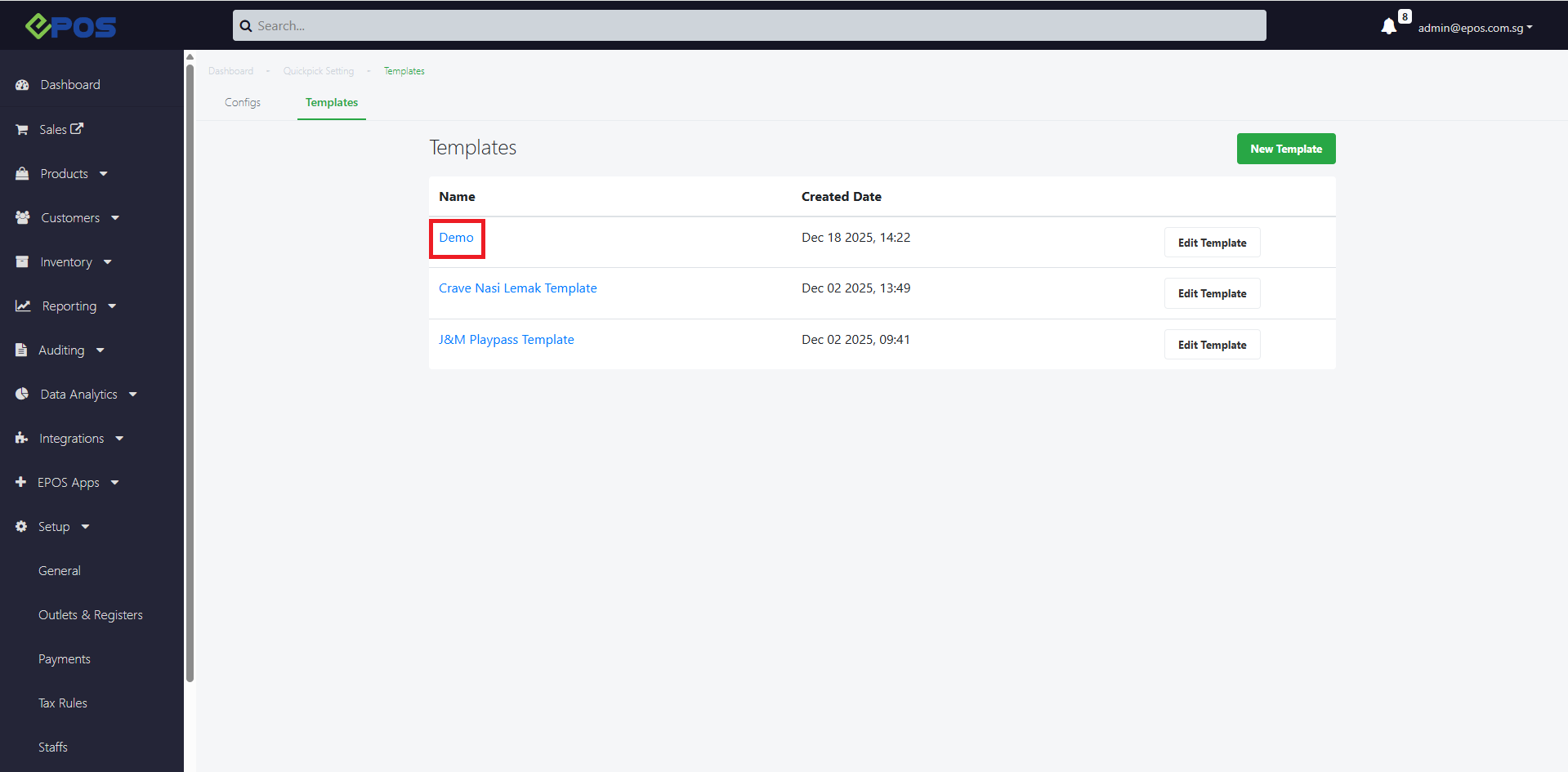
1. Click on a Quickpick Template Name
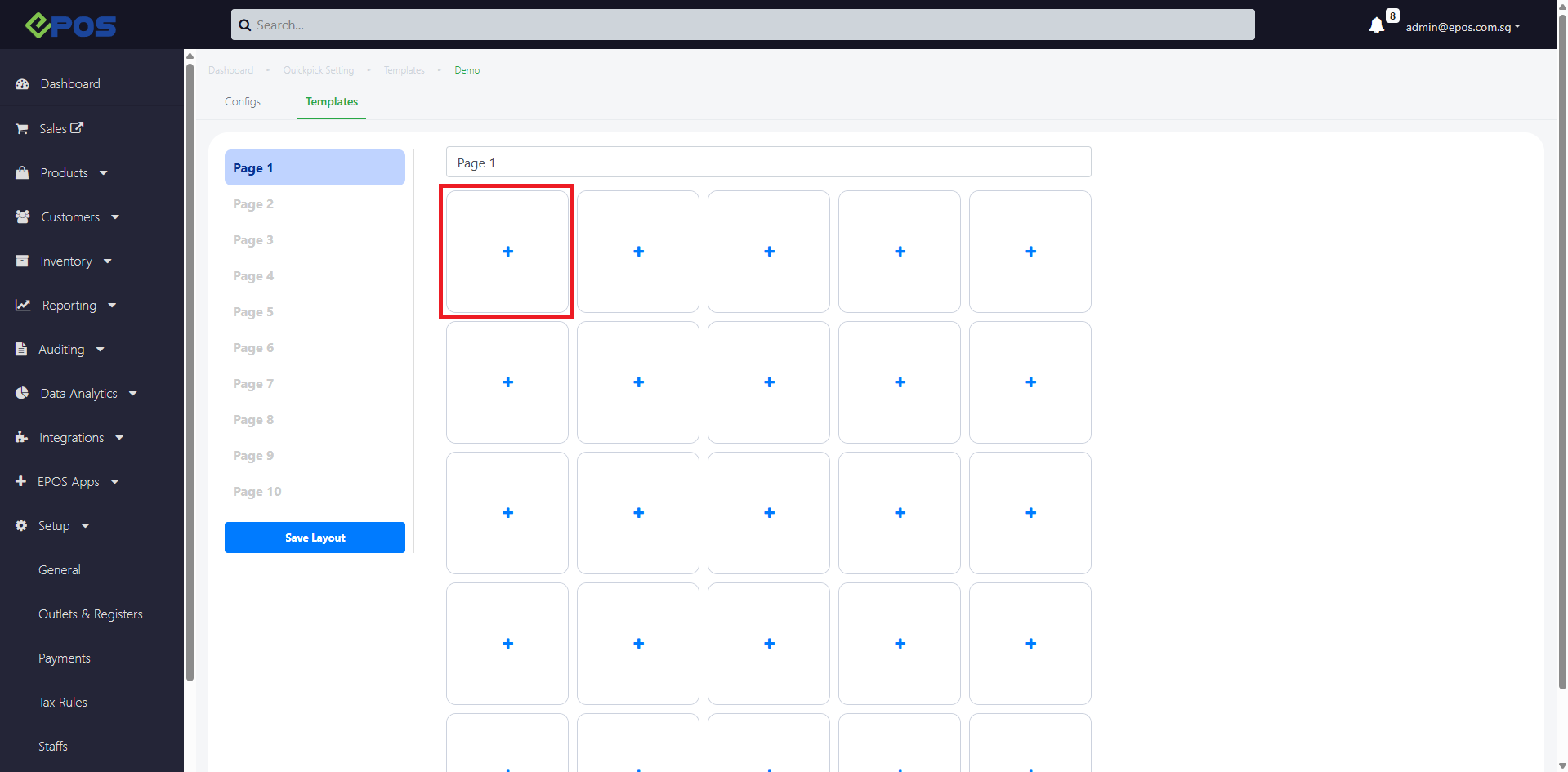
2. Click ‘+’ product button
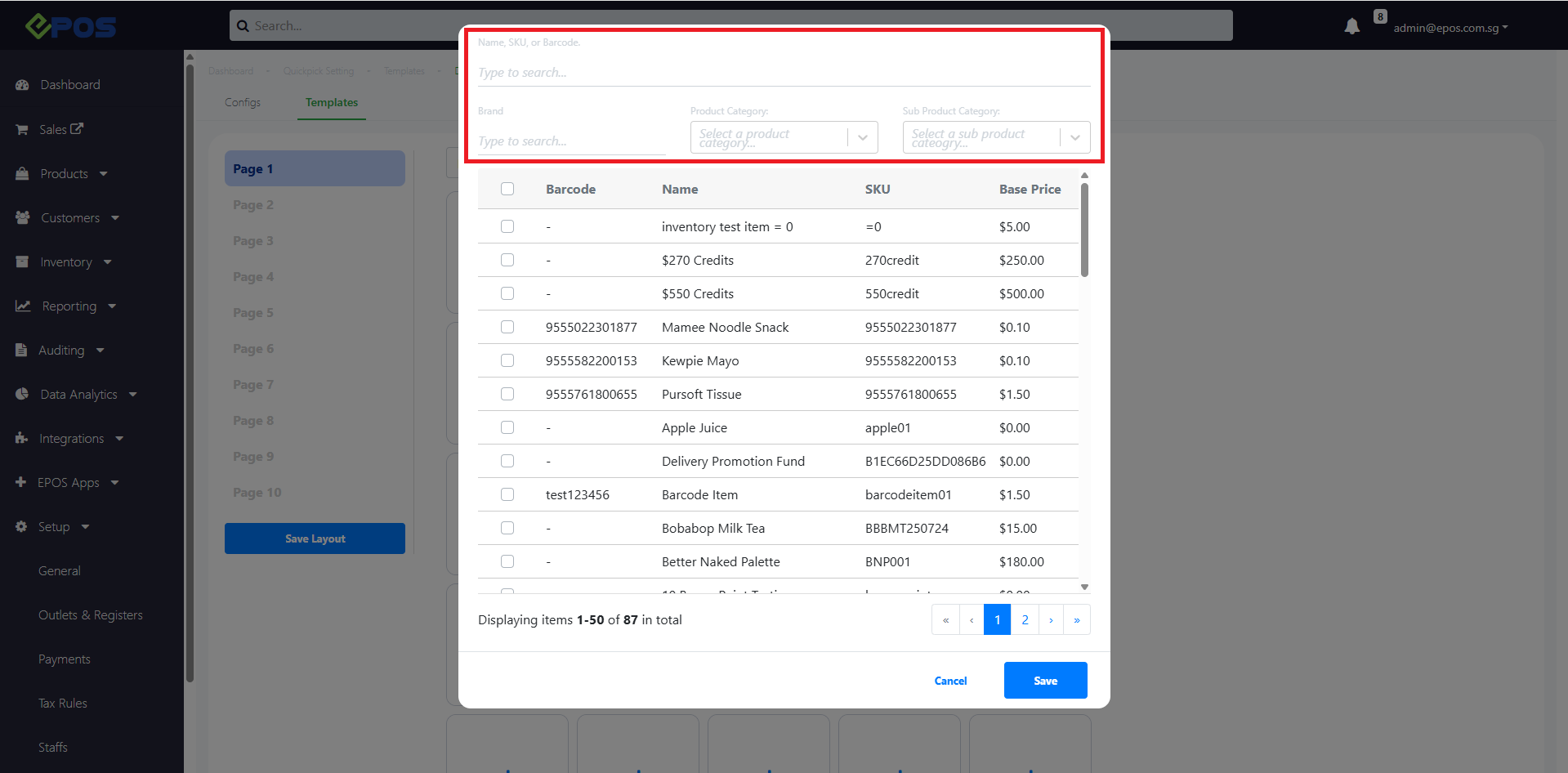
3. Product pop-up will appear
User can search by Product Name,SKU or Barcode
User can also filter using Product Category
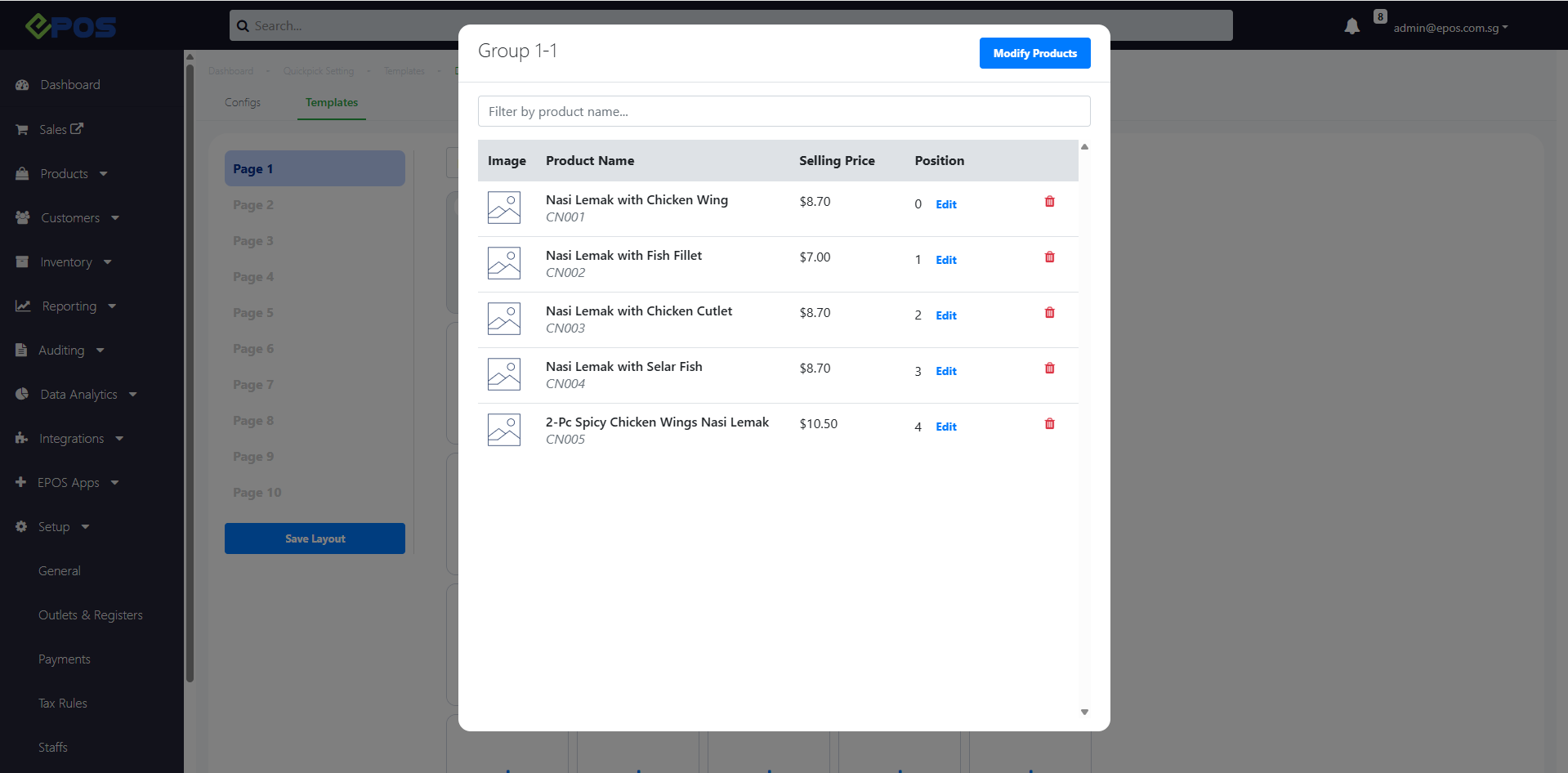
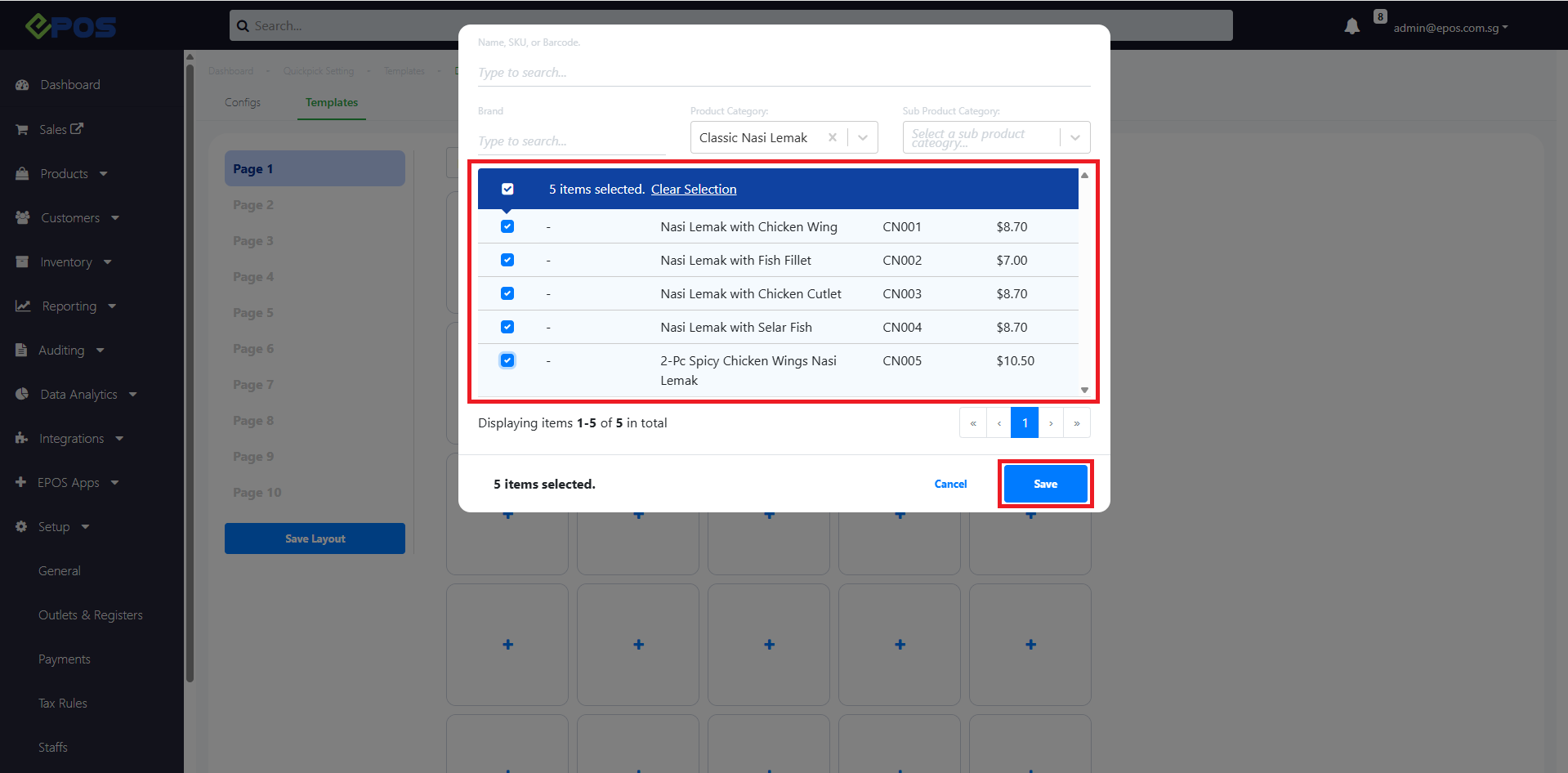
4. After selecting multiple products to be added to the group > click Save
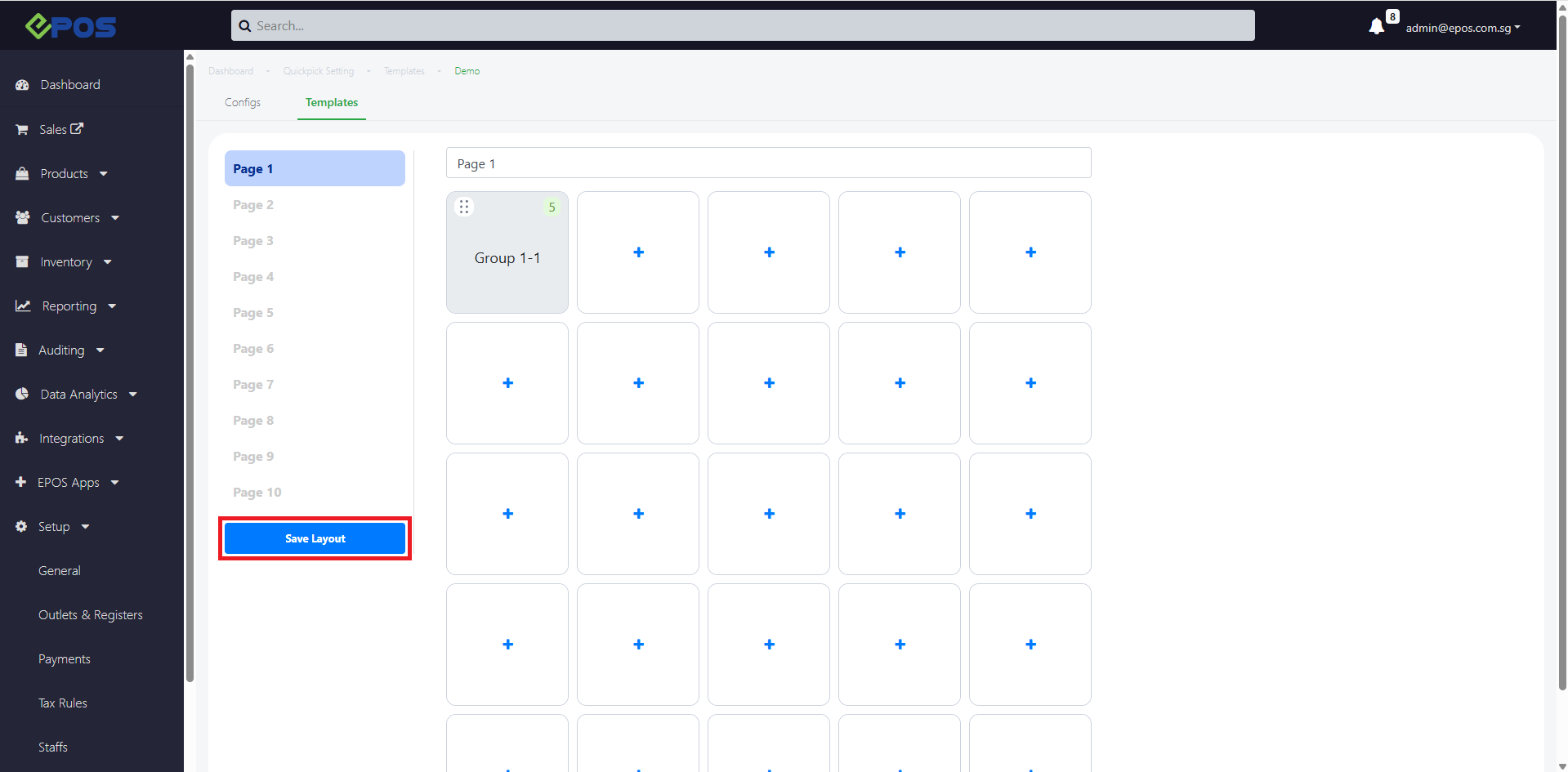
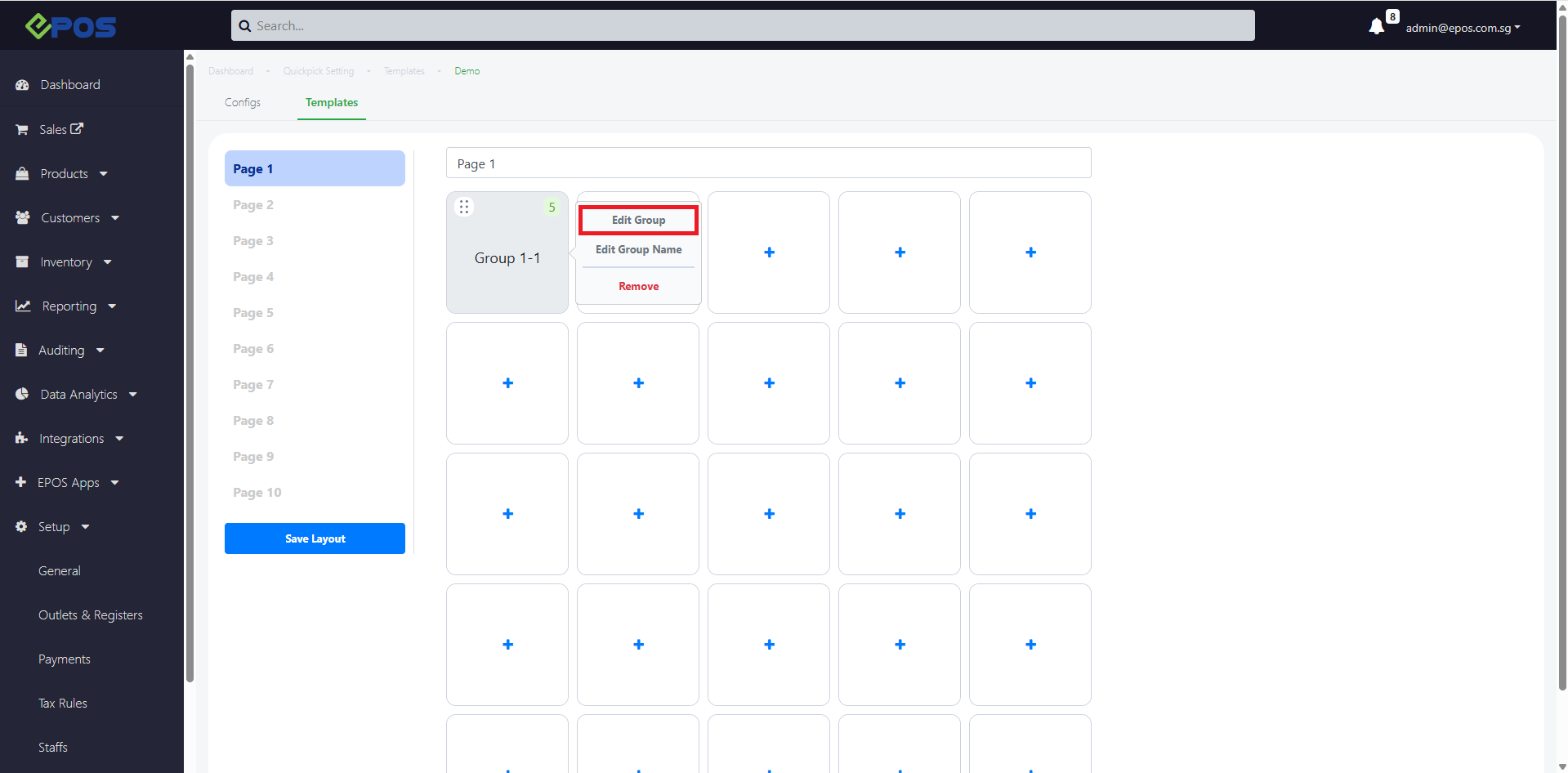
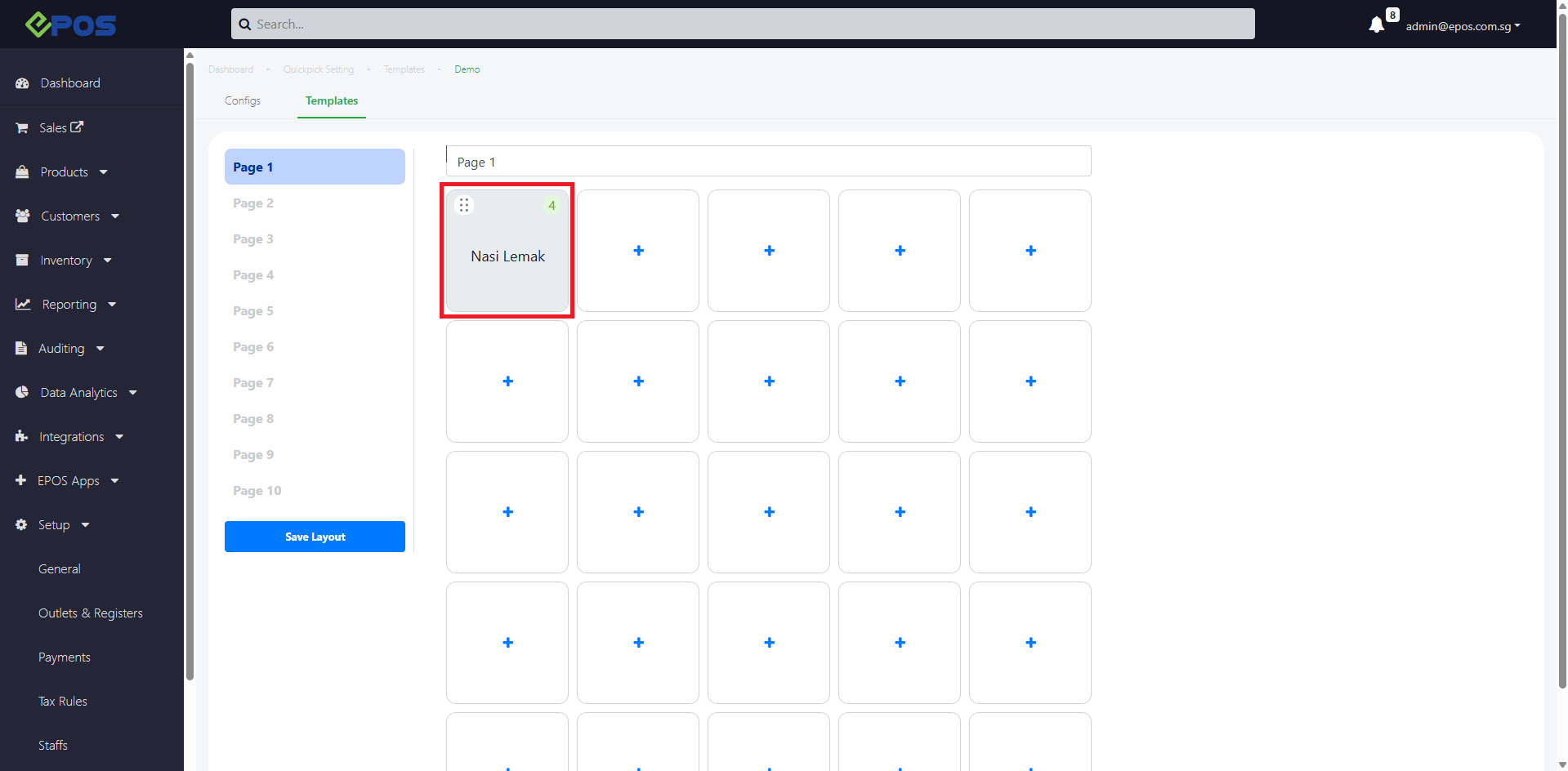
5. Product group will be added to the grid
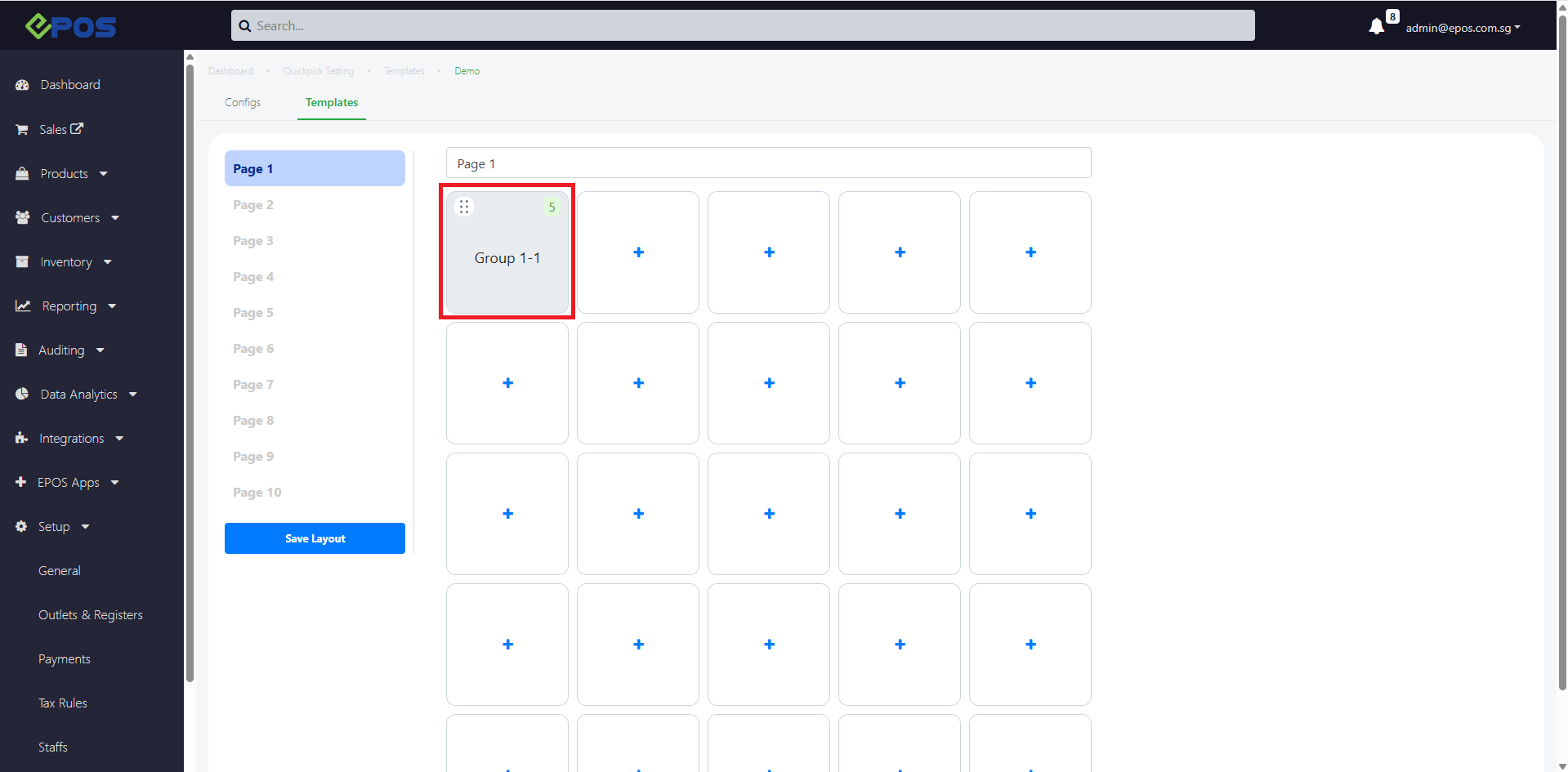
6. User can drag the product group to move from one grid position to another.
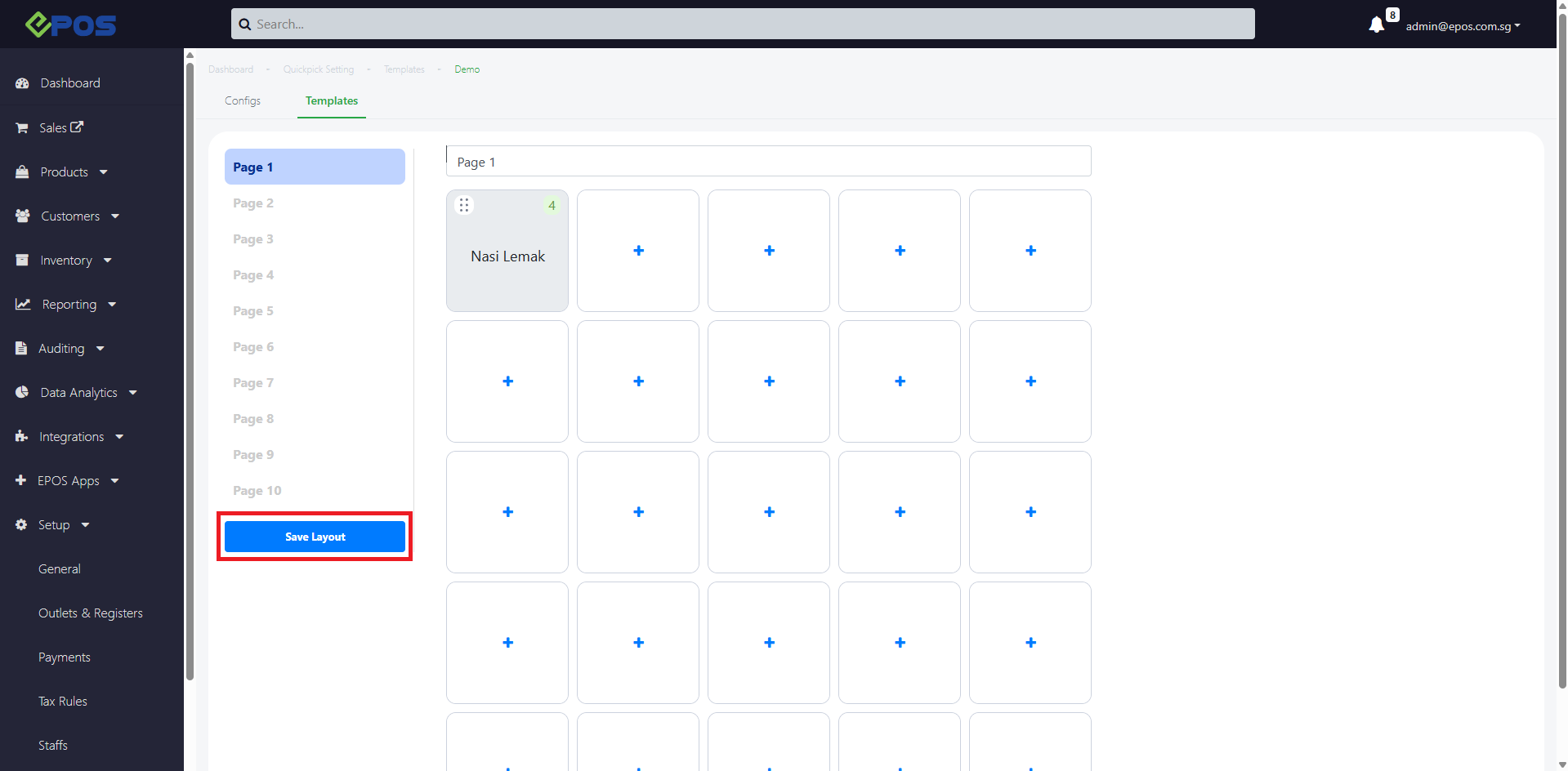
7. To confirm your Template arrangement, click on Save Layout