
Users can chose to remove items from the Quickpick template so that only the appropriate items are displayed on the POS product page.
Under EPOS Backend > Setup > Quickpick Settings
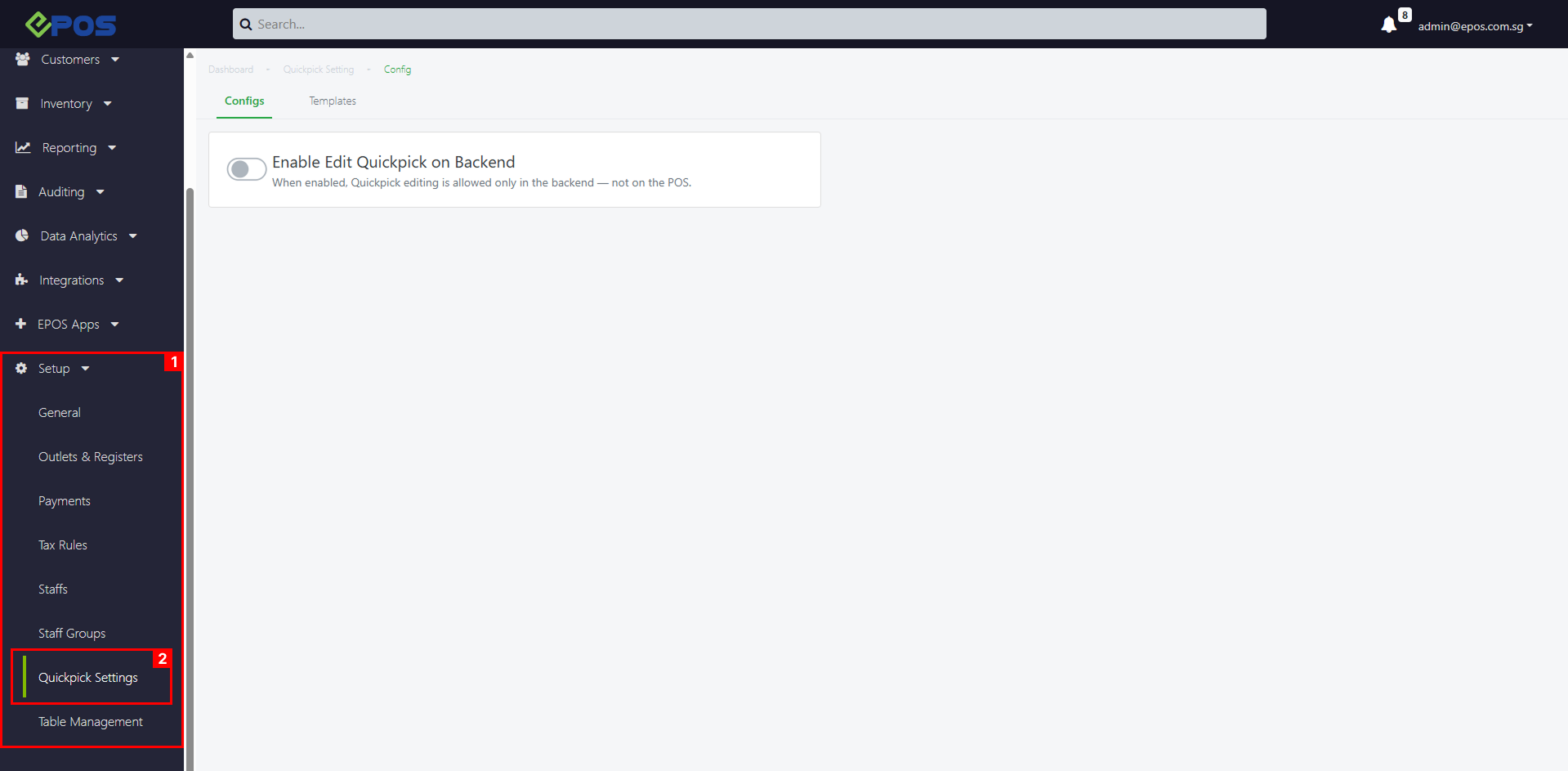 💡Item deletion applies to Products, Product Variants and Product Groups.
To delete Quickpick Items from a Quickpick template, follow these steps:
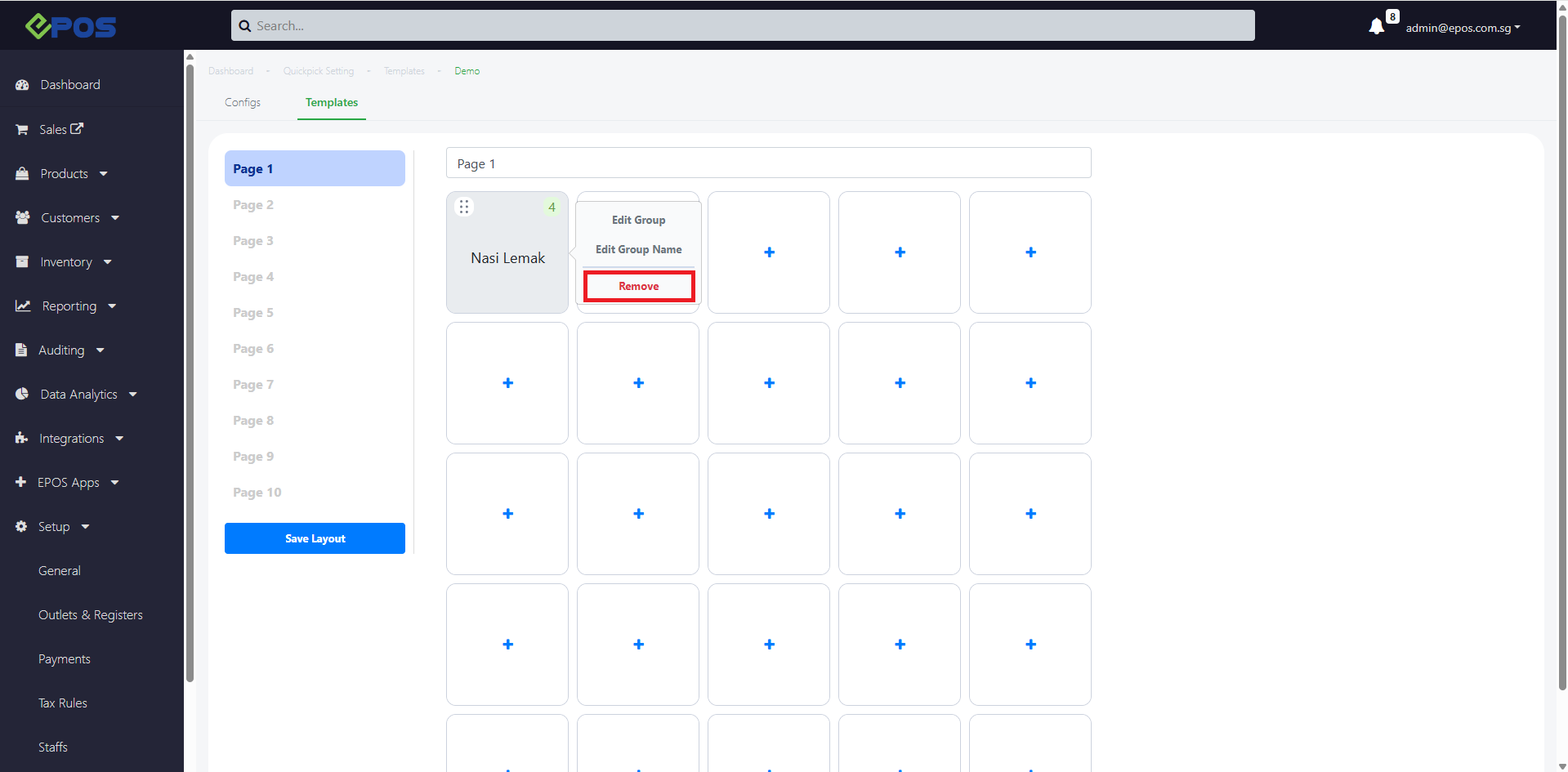
1. Click the Quickpick item > Remove
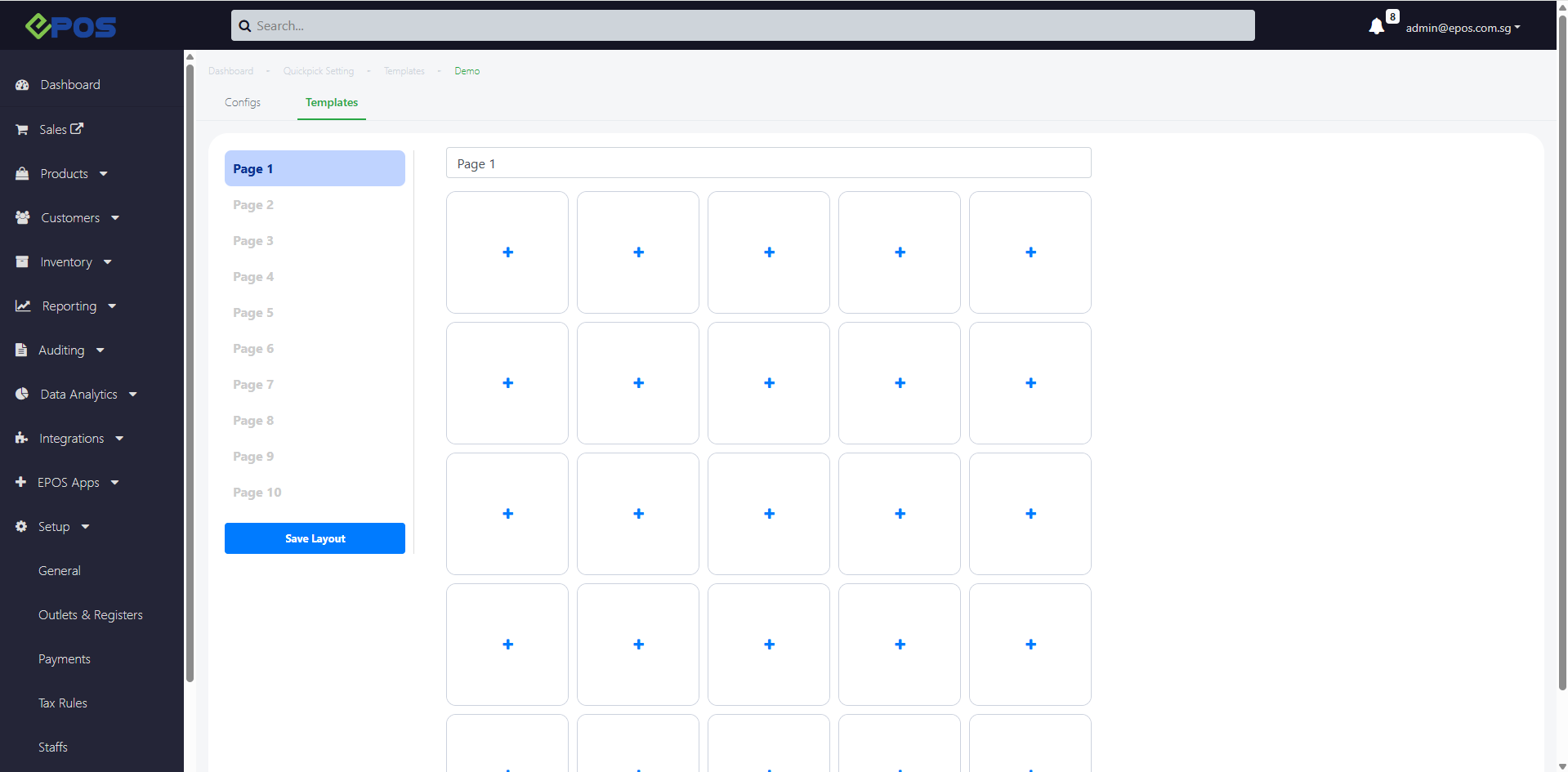
2. Quickpick item will be removed
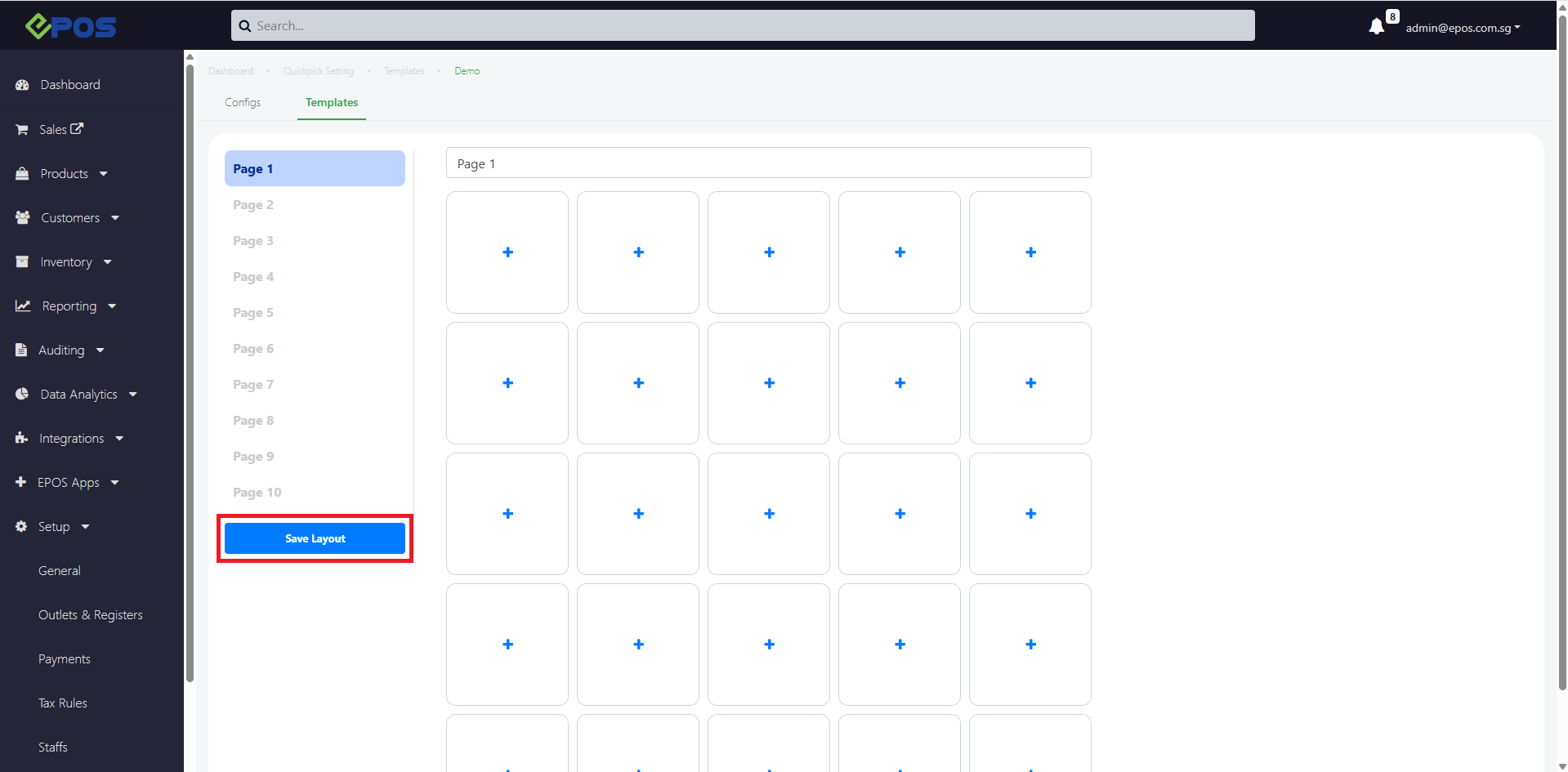
3. To confirm your Template arrangement, click on Save Layout
- To add products into your Quickpick template, refer to Add Products
- To add product groups into your Quickpick template, refer to Add Product Groups
- To replace items in your Quickpick template, refer to Replace Items
