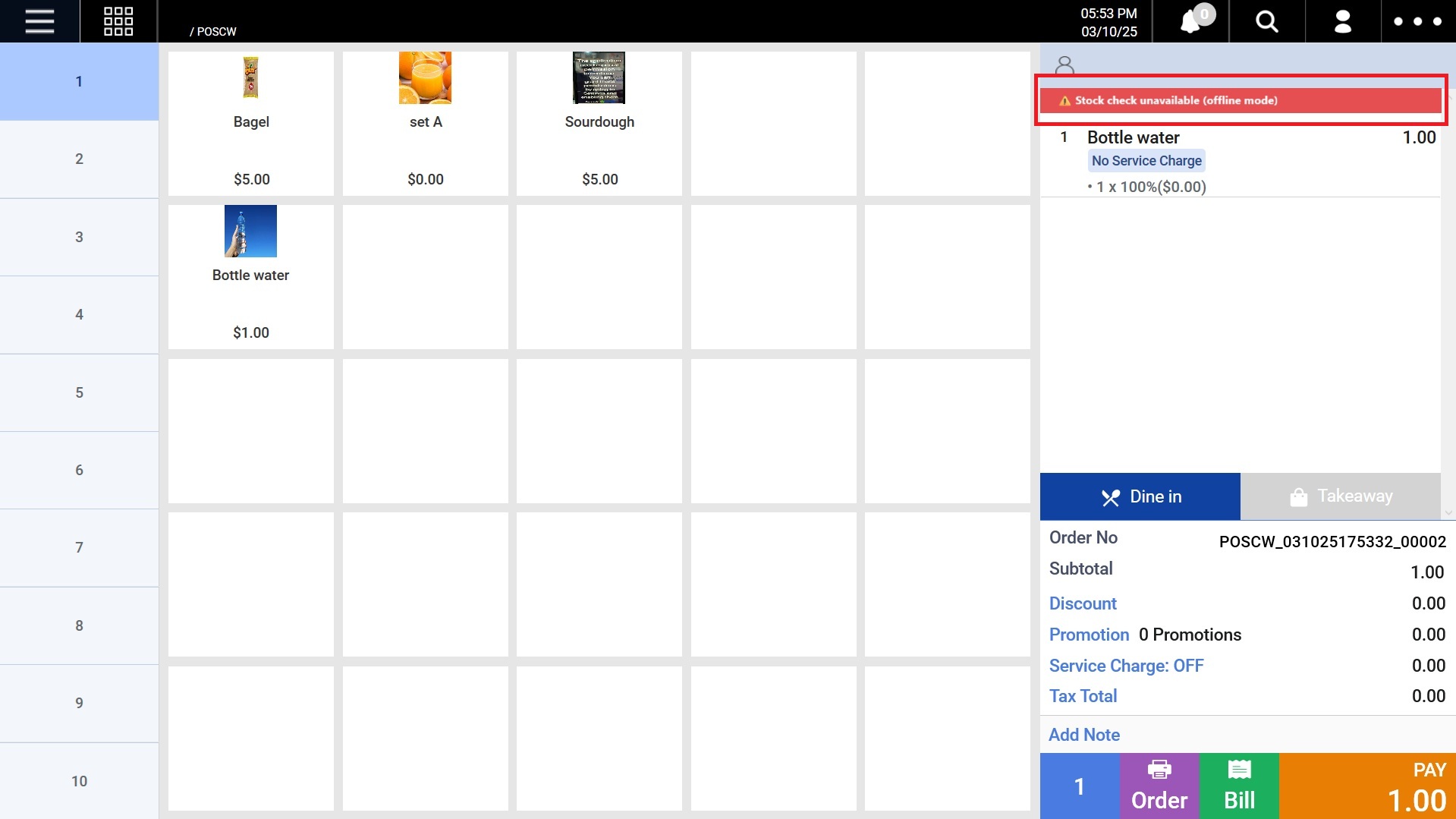
Users can configure the Window POS system to display an alert when a product runs out of stock in their store. This setting can be enabled in the POS Config on the backend.
1. When a product is out of stock (Item stock = 0)
If a selected product is out of stock, an out of stock popup would appear.

2. When a product has negative stock (Item stock < 0)
If a selected product has negative stock, an out of stock popup would appear.
 3. Cart Behavior
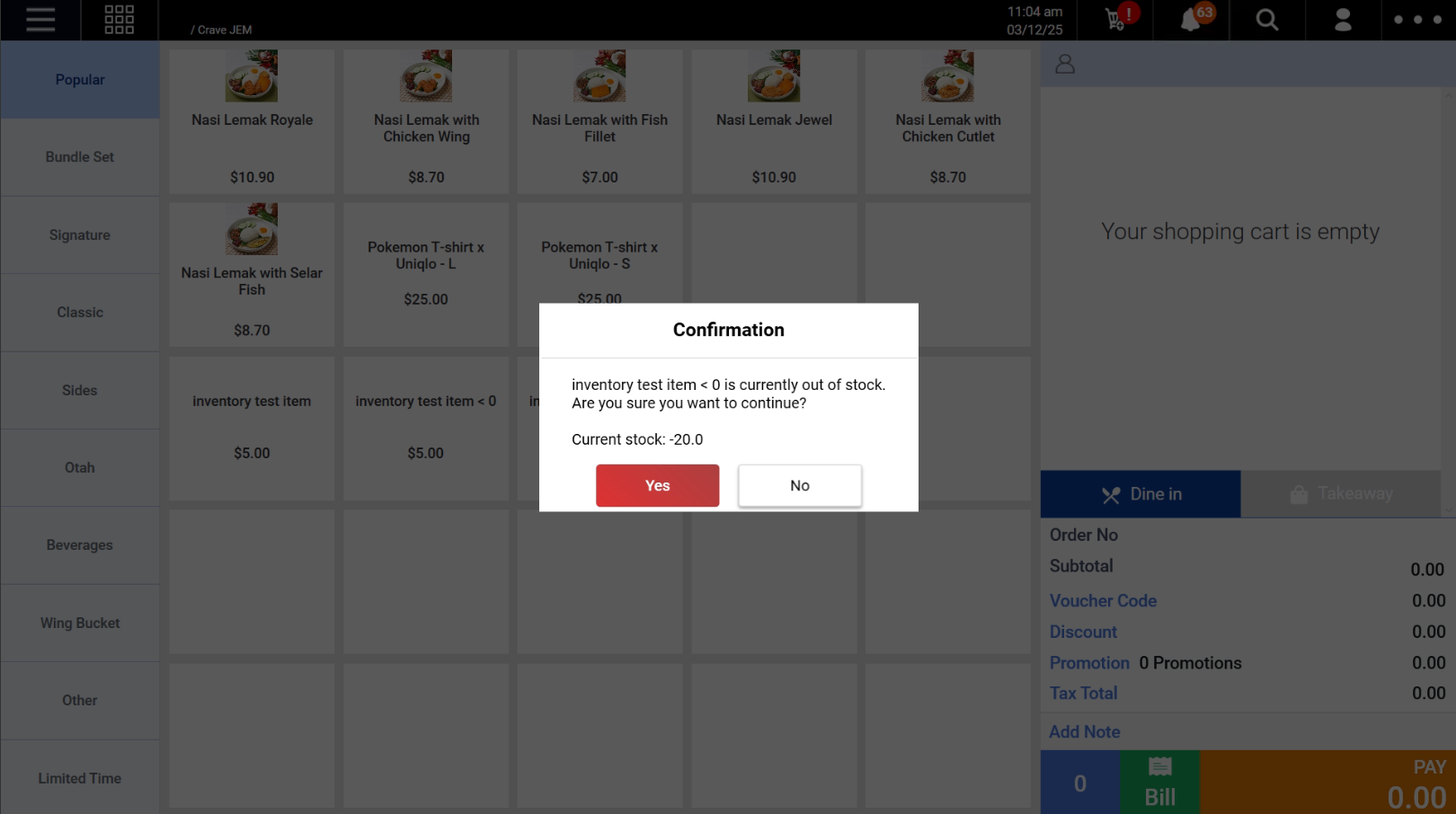
- If the user chooses to ignore the alert, the item will still be added to the cart.
- If the user adds the same item again, no additional alert will be shown.
4. Offline Mode Handling
If POS is in offline mode, system will not perform stock check.
- No out-of-stock alert will be shown
- A warning message will be displayed at the top of the order summary:
⚠️ Stock check unavailable (offline mode)