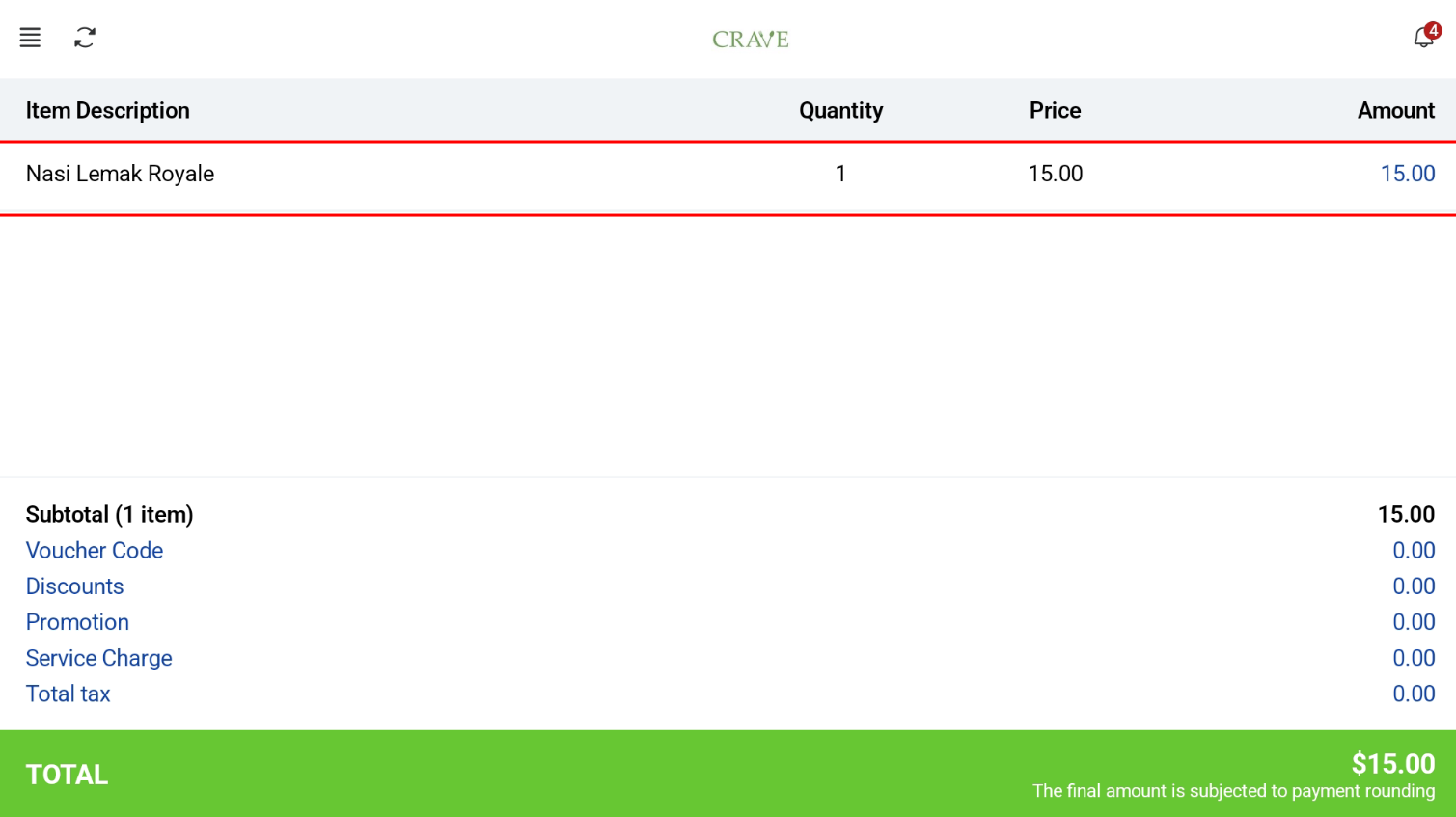
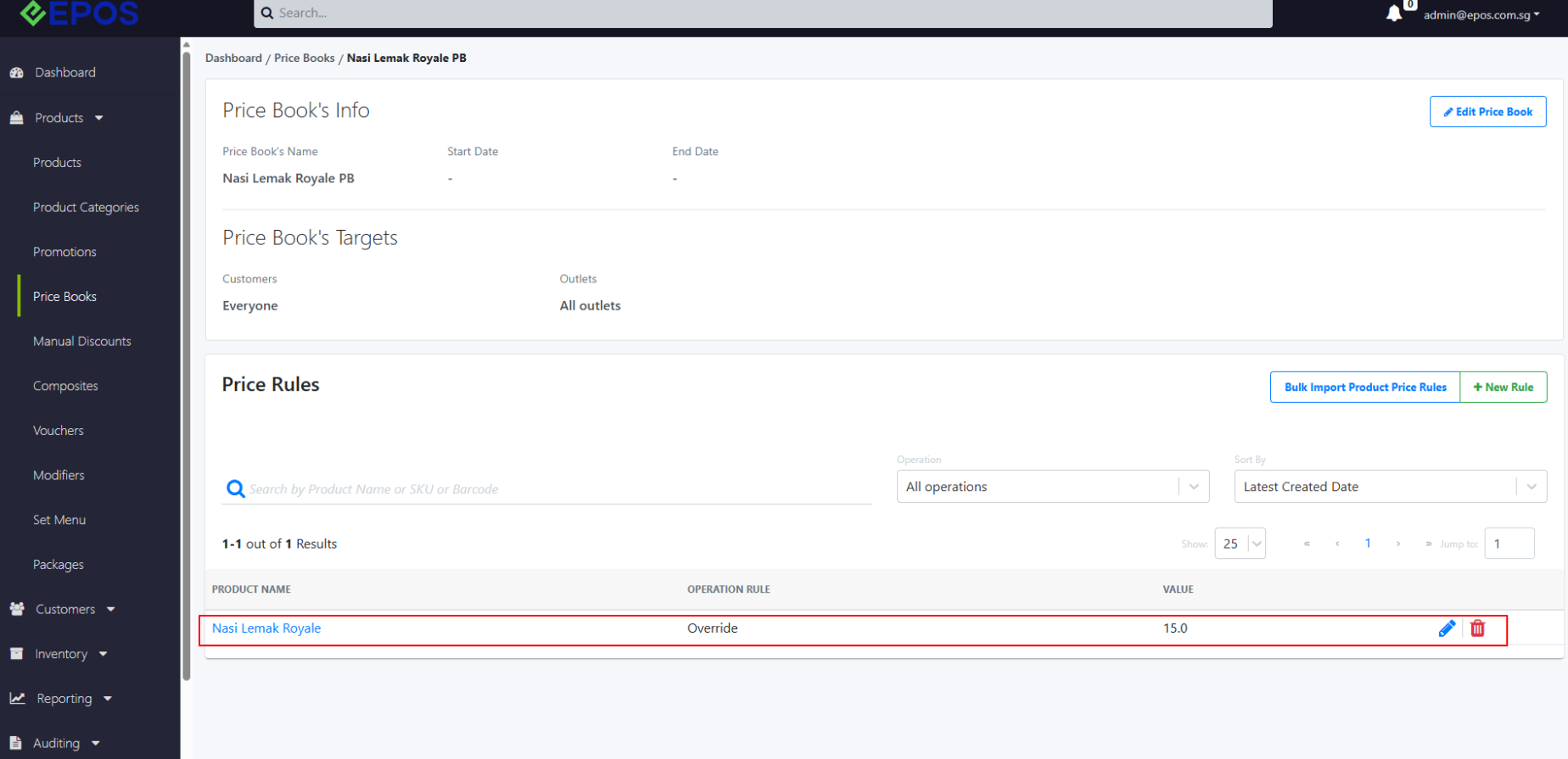
Users can set up price book in the backend portal using this guide.
Single Price Book Applicable
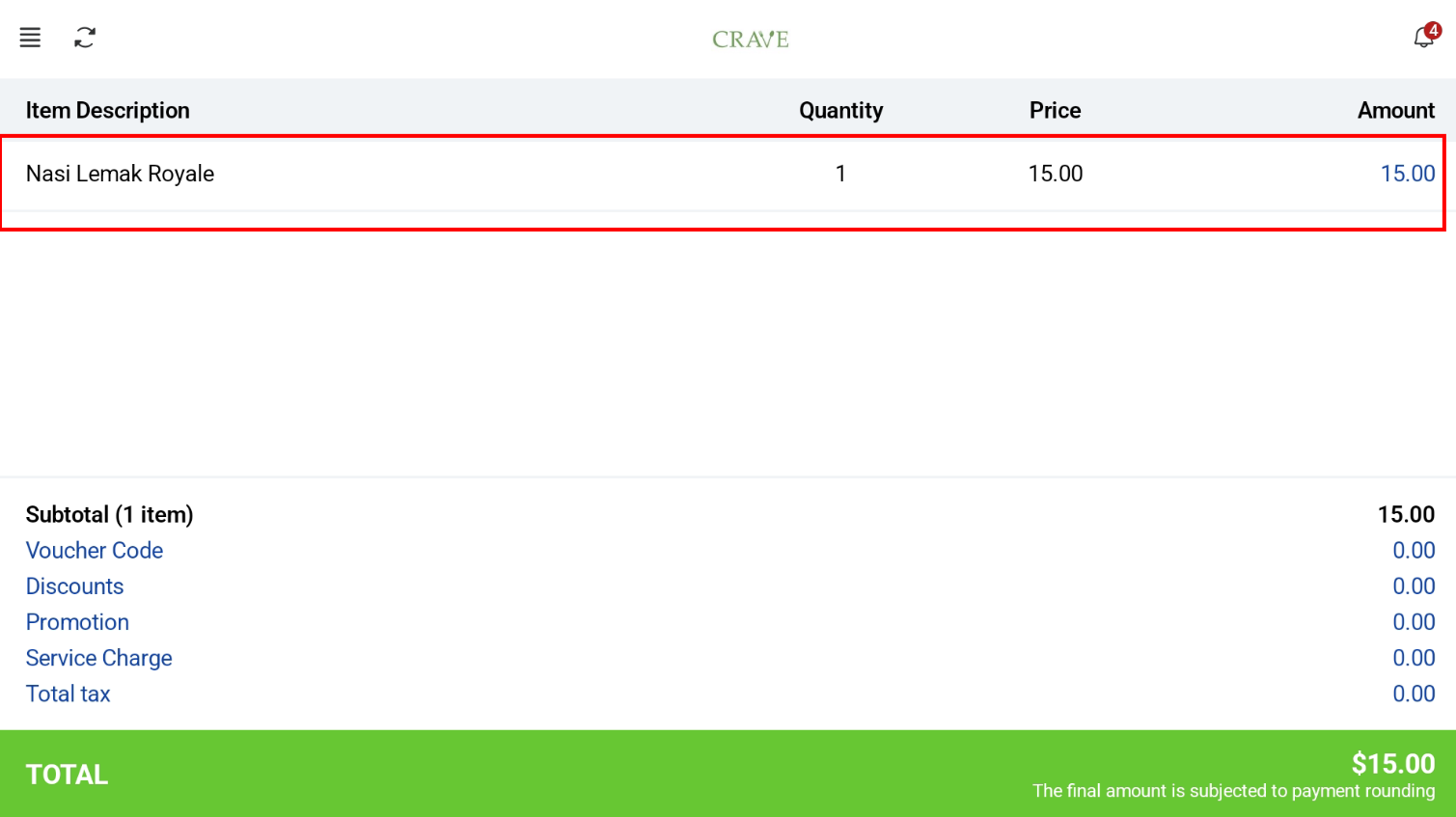
If only 1 price book is applicable for the product, the pricing will be applied directly.

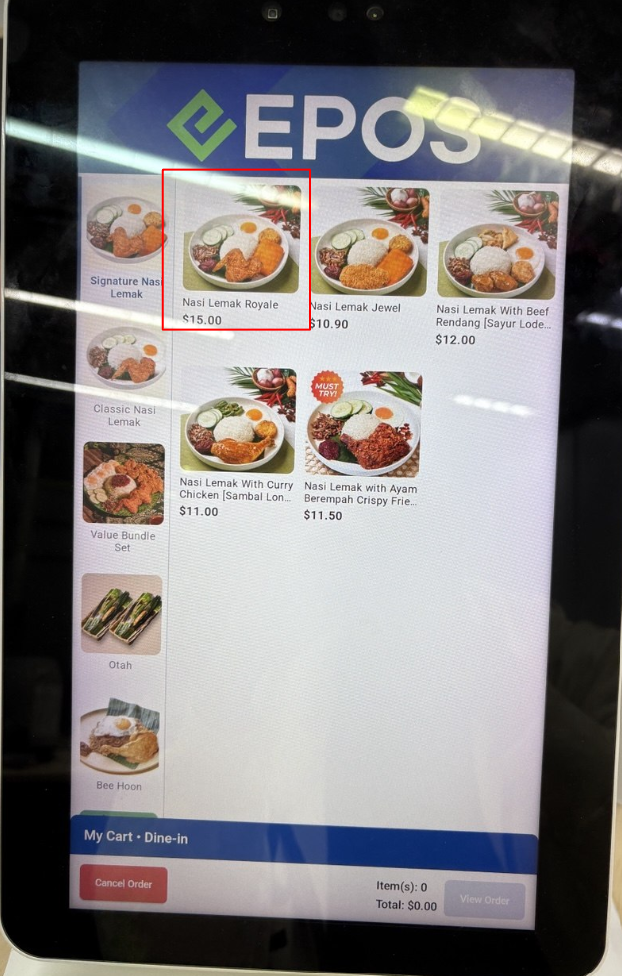
Cashier Screen
Multiple Price Books Applicable
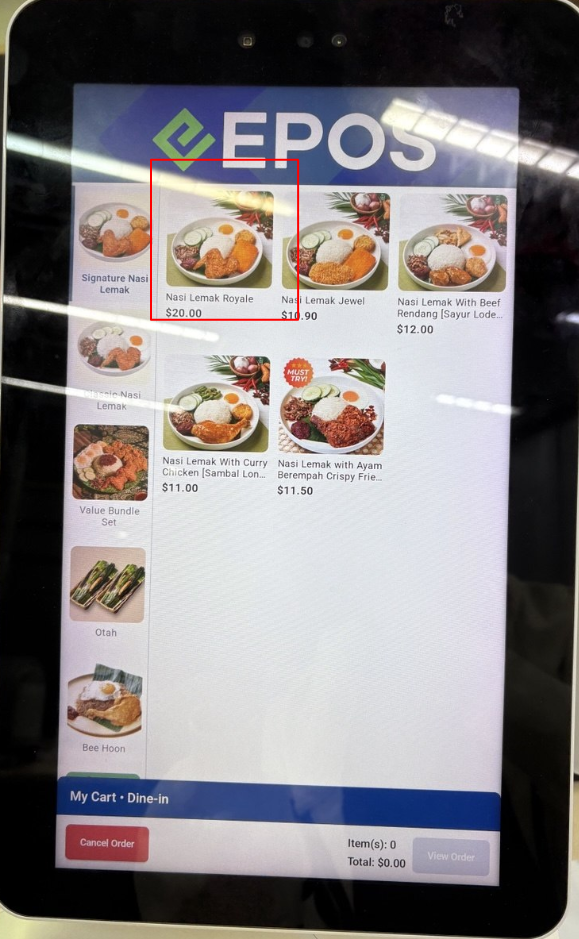
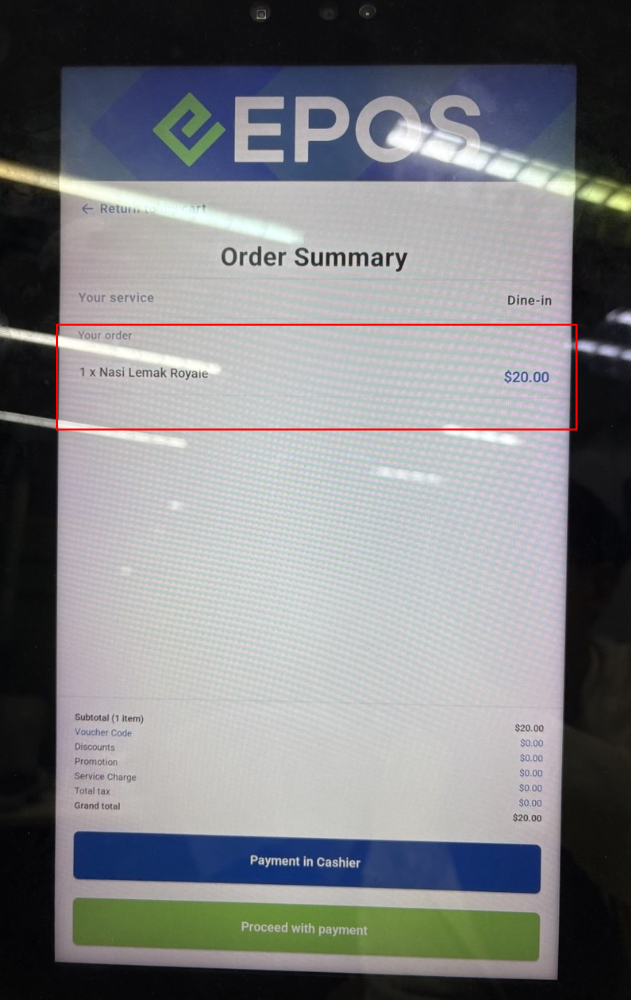
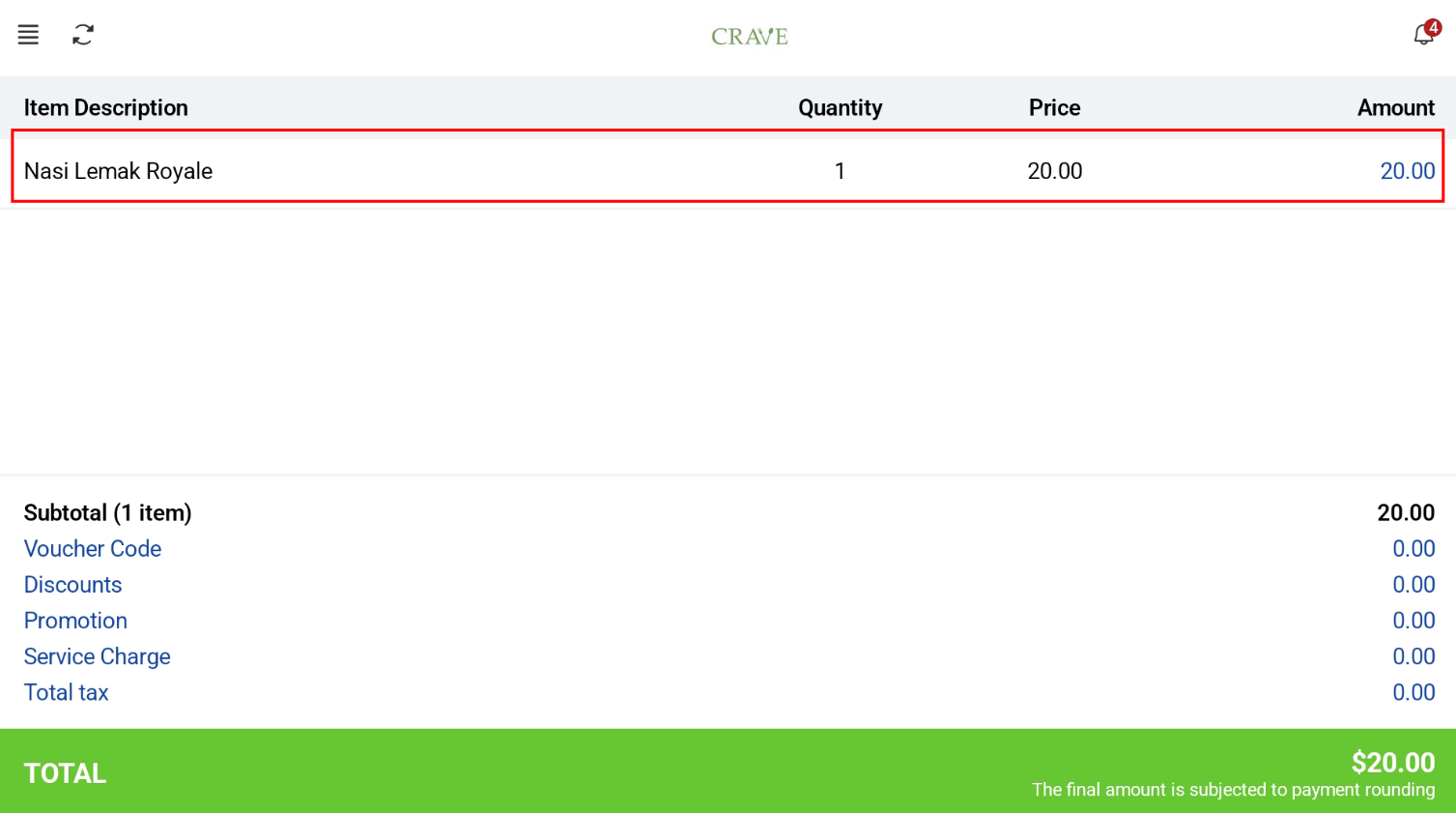
If a product has multiple applicable price books, the price applied depends on the price book priority (highest or lowest) set in EPOS Backend.
In this case, the priority is set to the highest price, so the highest price is applied.

Cashier Screen
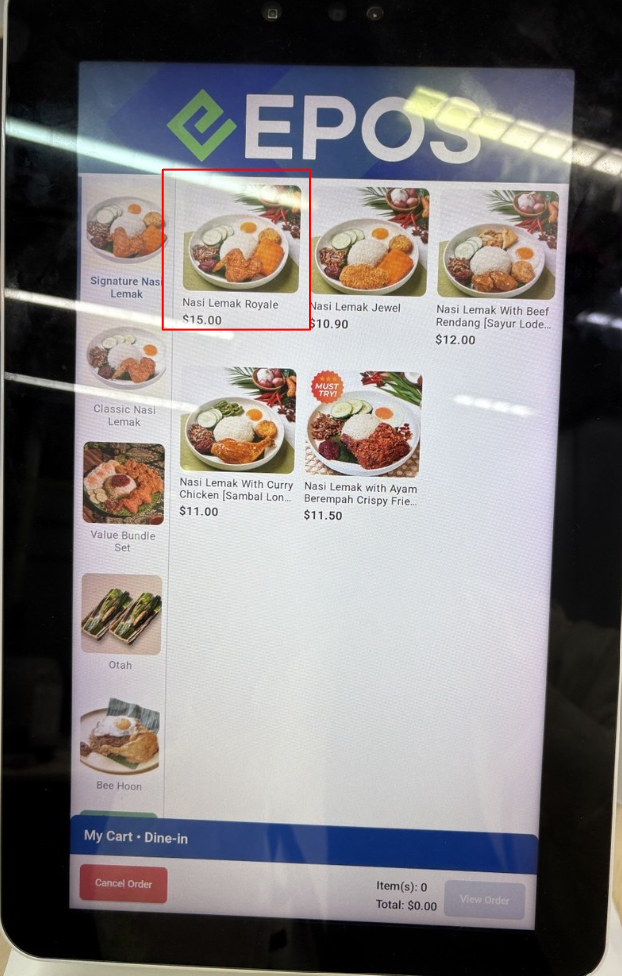
If the priority is set to the lowest price, the lowest price is applied.

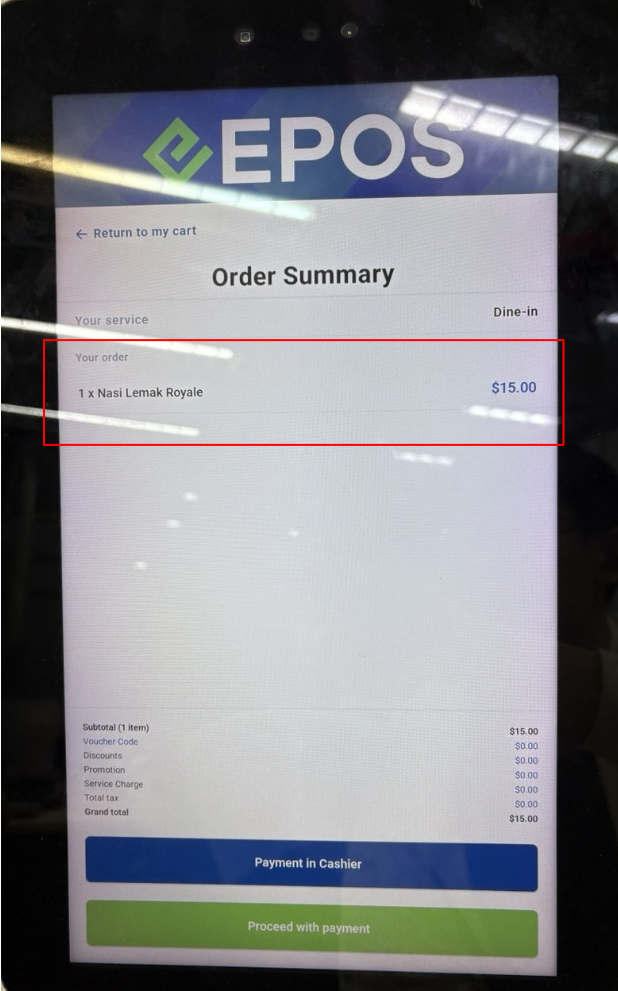
Cashier Screen