

Operating a pop-up store or participating in a convention often requires processing sales quickly and efficiently. Relying on manual methods, such as writing transactions by hand and transferring them into spreadsheets, not only slows operations but also increases the risk of errors. To remain competitive, businesses require a streamlined solution.
A mobile POS (mPOS) system transforms any smartphone or tablet into a fully functional Point of Sale (POS) machine. By eliminating manual record-keeping, businesses can accelerate transactions, improve accuracy, and capture valuable sales data for better decision-making and growth.
But what exactly is a mobile POS system, and how does it differ from traditional POS solutions? This guide will explain everything you need to know about mPOS technology, helping you determine whether it is the right Point of Sale solution for your business.
What is a mobile POS System?
1. What is a mobile POS system?
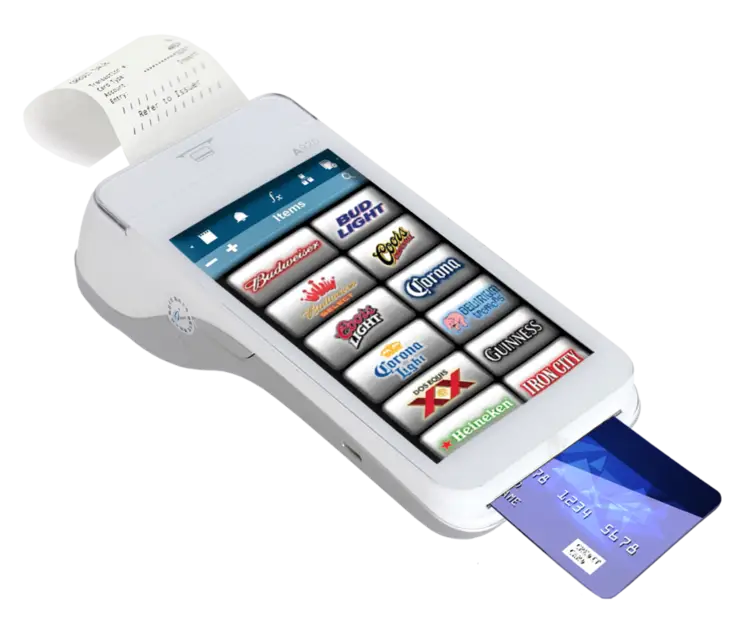
Source: MSTAR POS via website – Mobile POS System
A mobile Point of Sale system (or mPOS) is a type of POS system that runs on mobile devices like smartphones and tablets. Rather than being tied to a certain location or a stationary POS system, businesses are able to process transactions and deal with customers on the ground.
There are two types of mobile POS systems:
- Unified mPOS devices: a specific Point of Sale system that combines a mobile phone, card reader and receipt printer into one device.
- Mobile POS app: downloaded onto a compatible smartphone or tablet.
2. How does the mobile POS work?
The mobile POS app is required to be installed on the business device and set up along with card readers and any other peripherals. During a customer-led purchase, the cashier opens the app, enters the specific transaction details such as items purchased and price totals, and processes the payment with the card reader. The mobile POS verifies the transaction, and the receipt is printed, thereby completing the transaction. Business owners are able to access sales history and other data through either the mobile POS app or a web dashboard.
Using the built-in mPOS is similar, with the exception that the card reader and receipt printer are part of the mobile device instead of being external peripherals.
3. What hardware does an mPOS need?
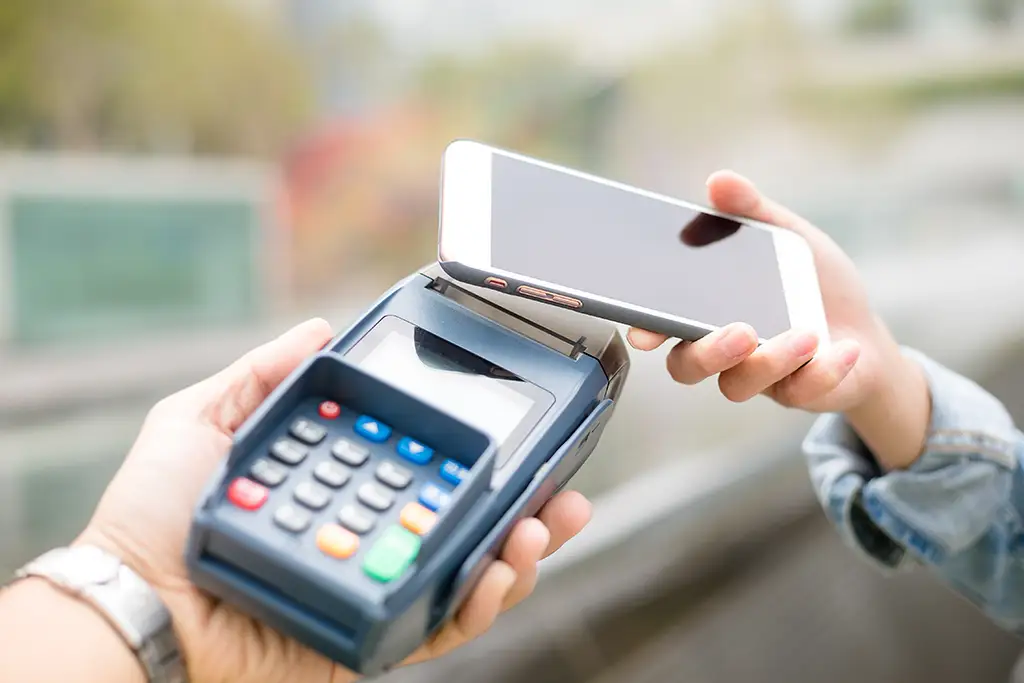
Like all POS systems, an mPOS needs hardware to function; however, there are fewer essentials required to get started as compared to a traditional POS system. Some essentials can include:
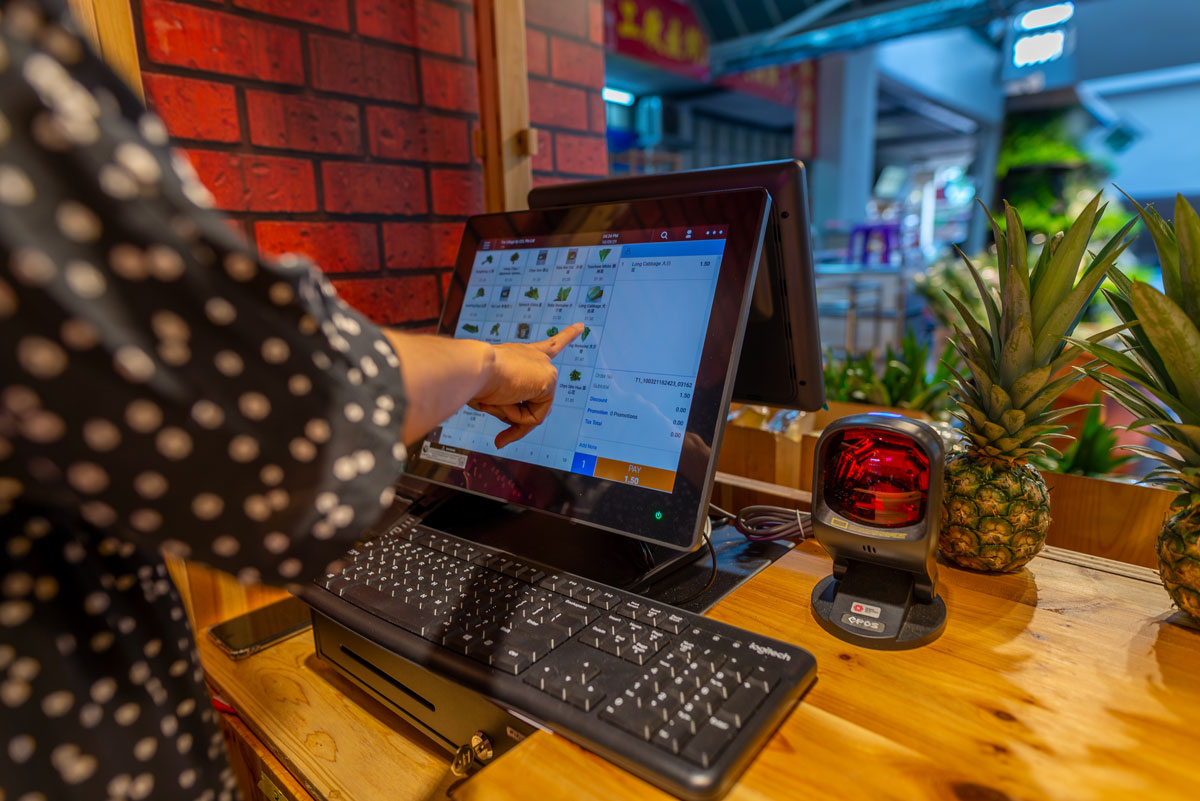
- Smartphone or Tablet: Having a tablet or smartphone is needed as a mobile POS system requires a mobile device to run its software.
- Mobile Card Reader. A card reader is essential for processing credit or debit card payments. There are different types of card readers to choose from, such as chip-and-pin readers or contactless readers.
- Receipt Printer: To process transactions in any Point of Sale system, a receipt printer is required. In some mPOS machines, the receipt printer is attached, or external printers can be connected via Bluetooth or Wi-Fi.
- Cash Drawer: For businesses accepting cash payments, a cash drawer is needed to secure and exchange money.
- Barcode Scanner: Barcode scanners are able to scan product barcodes quickly and accurately. This is useful for processing sales transactions or for identifying information about a specific product. However, depending on the mobile POS and software, they can be optional, as you may just be able to scan basic barcodes with your phone camera.
4. Benefits of a mobile POS System
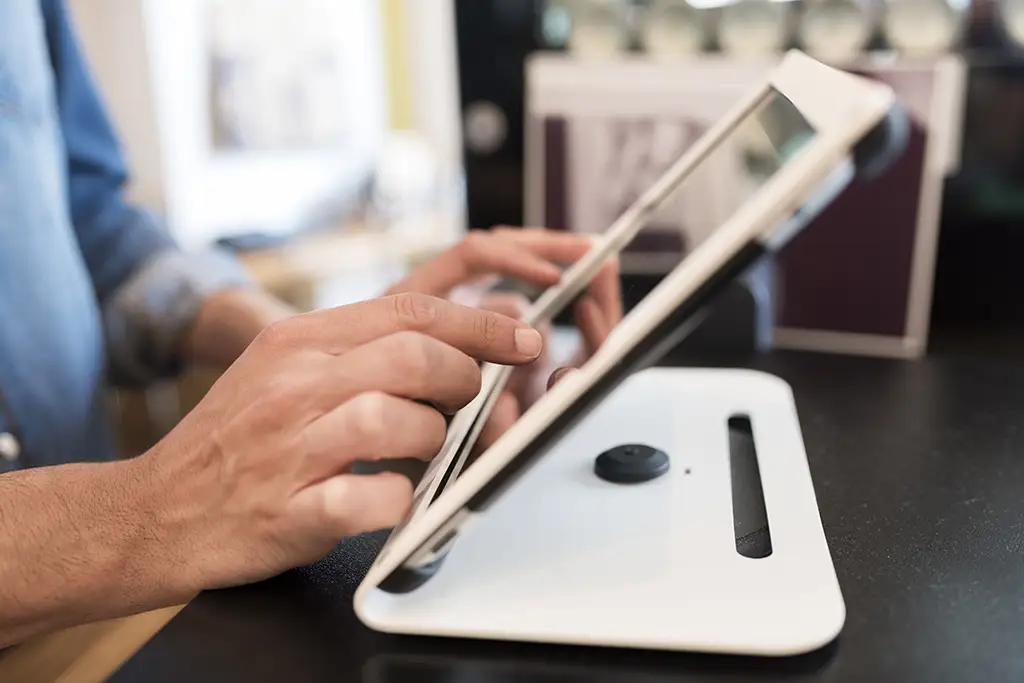
A mobile POS system might be more beneficial for a business compared to other types of POS systems, with the following advantages:
- Process Payments Anywhere: Payments can be processed anywhere. For a mobile business without a brick-and-mortar front, it would be more convenient to complete transactions without the need for an entire network of hardware or wiring.
- Cost-Effective Solution: For starting entrepreneurs or SMEs, a mobile POS solution is typically less costly than traditional POS systems, as it requires fewer hardware devices.
- Access Data Anytime: Real-time data on transactions, inventory, and other analytics is available when a business invests in a mobile POS system.
5. Choosing the Best Mobile POS System
Although Mobile POS Systems are beneficial for businesses, when selecting the best mobile POS for your business, consider:
- Ease of Use: Staff should be able to learn quickly without extensive training.
- Payment Options: Major debit and credit cards, mobile wallets, QR codes, and contactless payments should all be supported.
- Inventory Management: Look for real-time stock tracking and low-stock alerts.
- Customer Management: Customer Relationship Management (CRM) tools, loyalty programs, and customer purchase history can add value.
- Integration: The system should seamlessly integrate with accounting, e-commerce, and marketing software such as Xero, QuickBooks, or WooCommerce.
- Support & Security: Reliable support and PCI-compliant payment security are essential for hosting debit and credit card transactions.
Mobile POS Systems & Applications
A mobile POS can help you run your business faster, meet customers anywhere you want, reduce waiting times, and grow your business. Businesses that might find it a good solution are those with pop-up stores, events, or that are mobile and need to take sales to customers.
EPOS
For businesses seeking an ultra-seamless best POS system that provides precise control and robust data analytics, EPOS is one of Singapore’s leading POS system vendors, providing powerful features designed to help your business thrive by improving efficiency, reducing costs and increasing profitability. Elevate your business today with EPOS! For a free, non-obligatory demonstration of the EPOS POS System, fill in the form below, and our team will be in touch with you.
• Written by Adrija Chakravarti