Mobile POS systems have transformed how businesses process transactions by removing the constraint of fixed checkout locations. This technology allows retailers, restaurants, and service providers to accept payments wherever customers are, whether that’s curbside, at a festival booth, or tableside in a dining room. Understanding the portability advantages helps businesses choose solutions that match their operational needs.
The Portability of Mobile POS Systems: Sell Anywhere, Anytime
Mobile POS systems have transformed how businesses process transactions by removing the constraint of fixed checkout locations. This technology allows retailers, restaurants, and service providers to accept payments wherever customers are, whether that’s curbside, at a festival booth, or tableside in a dining room. Understanding the portability advantages helps businesses choose solutions that match their operational needs.
What Makes Mobile Point of Sale Systems Portable
A mobile POS system runs on smartphones, tablets such as Apple iPads or Android tablets, or dedicated handheld devices instead of traditional cash registers. The core components include a payment processing app, a card reader attachment, and internet connectivity through WiFi or cellular data.
The software operates through cloud-based platforms, meaning transaction data syncs across devices without requiring on-site servers. Businesses can process credit cards, debit cards, and contactless payments like Apple Pay or Google Pay using the same compact hardware they use for inventory management and customer lookup.
Battery-powered card readers connect to mobile devices via Bluetooth, eliminating the need for cables. Most readers hold a charge for a full business day, and some models include backup battery packs. This wireless design allows staff to move freely without searching for power outlets or network ports.
Business Scenarios Where Portability Creates Value
Food & Beverage Sector
Restaurants use mobile point of sale systems to take orders and process payments at the table, reducing wait times and increasing table turnover. Servers can split checks, apply discounts, and close tabs without returning to a fixed terminal. This speeds up service during peak hours and improves the dining experience.
Retail Sector
Retail stores deploy portable systems on the sales floor to assist customers in browsing merchandise. Associates can check inventory, look up product details, and complete transactions without directing shoppers to a checkout counter. This approach reduces abandoned purchases and creates a more personalised shopping experience.
Service Sector
Service businesses like contractors, tutors, and healthcare providers accept payment at the job site or appointment location. Mobile systems eliminate the need to send invoices and wait for checks or bank transfers. Immediate payment processing improves cash flow and reduces administrative work.
Events
Pop-up shops, farmers’ markets, and event vendors rely on portability to operate in temporary locations without permanent infrastructure. These businesses set up and break down quickly while maintaining full payment processing capabilities. The same system works whether they’re at a street fair, trade show, or seasonal market.
Technical Requirements for Portable Payment Processing
Internet Connectivity and Network Requirements
Internet connectivity stands as the primary requirement for mobile POS operation. WiFi networks provide stable connections in fixed locations, while cellular data enables transactions anywhere with phone service. Some systems offer offline modes that store transactions locally and sync when the connection returns, though this feature varies by provider.
Device Compatibility and Hardware Specifications
Device compatibility determines which smartphones and tablets can run specific POS apps. Most platforms support both iOS and Android, but businesses should verify that their existing hardware works with their chosen system. Screen size affects usability, with tablets offering more workspace for complex transactions compared to smartphones.
Payment Processing Integrations and Card Reader Support
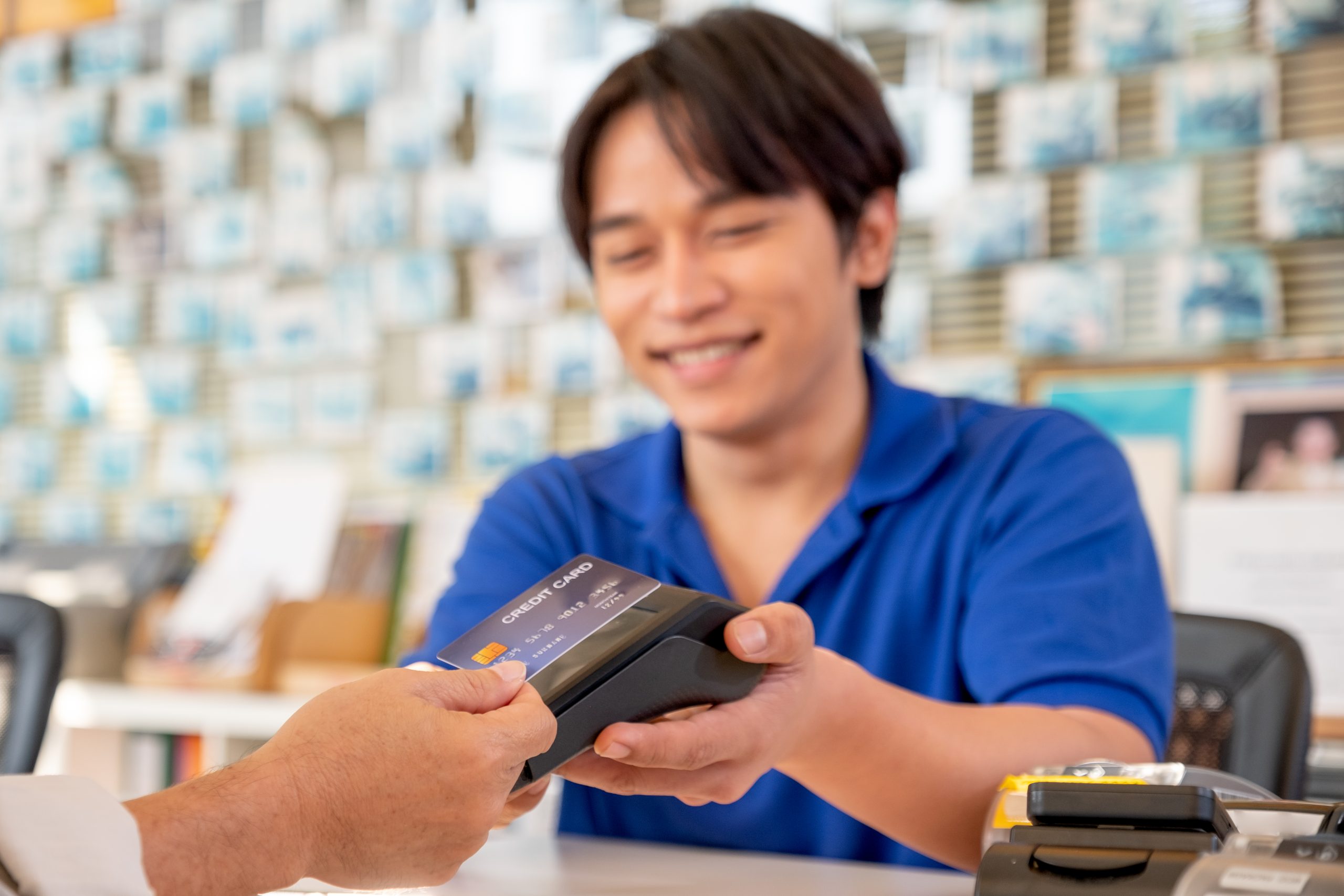
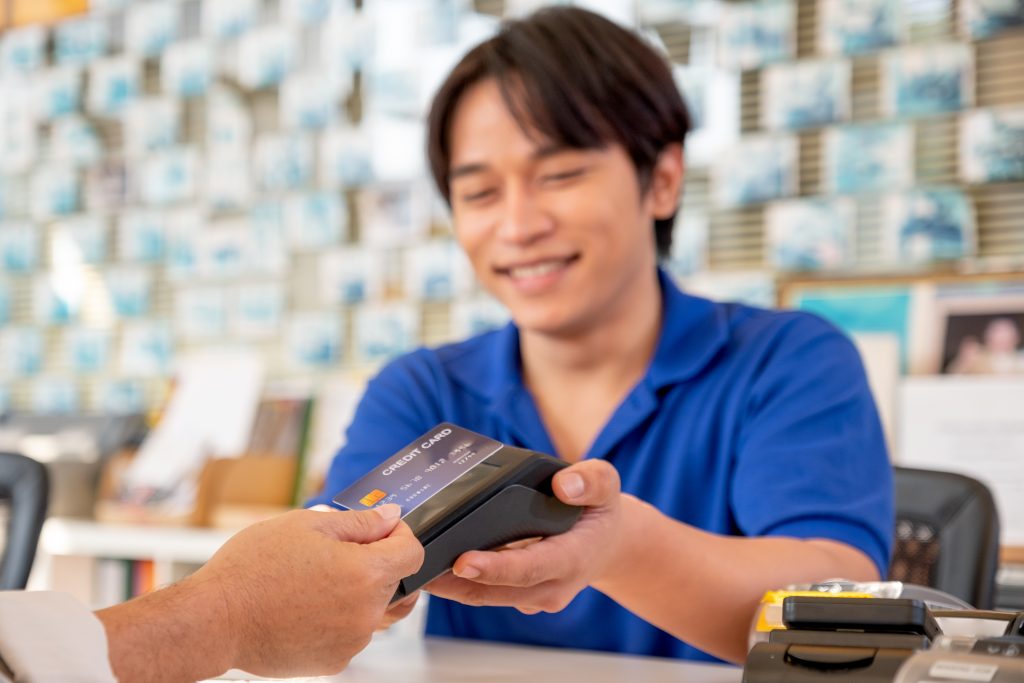
Payment processing integrations connect the POS software to merchant accounts and payment gateways. These partnerships determine which payment methods businesses can accept and influence transaction fees. Compatible card readers must support chip cards (EMV), magnetic stripes, and contactless payments to meet current payment standards.
Security Features and PCI Compliance Standards
Security features protect sensitive payment data during mobile transactions. End-to-end encryption scrambles card information from the moment of swipe or tap until it reaches the payment processor. PCI DSS compliance ensures the system meets the Payment Card Industry Data Security Standard, which is non-negotiable for businesses handling card data.
Comparing Mobile POS to Traditional Systems
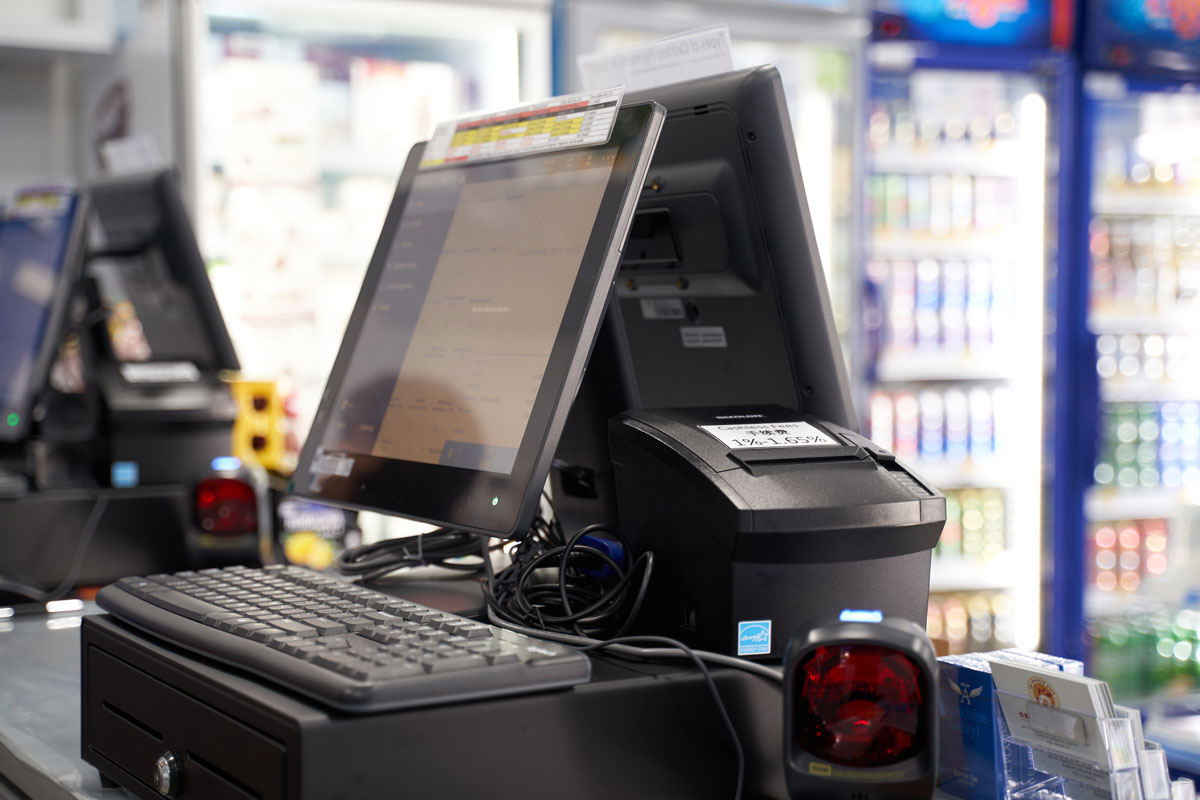
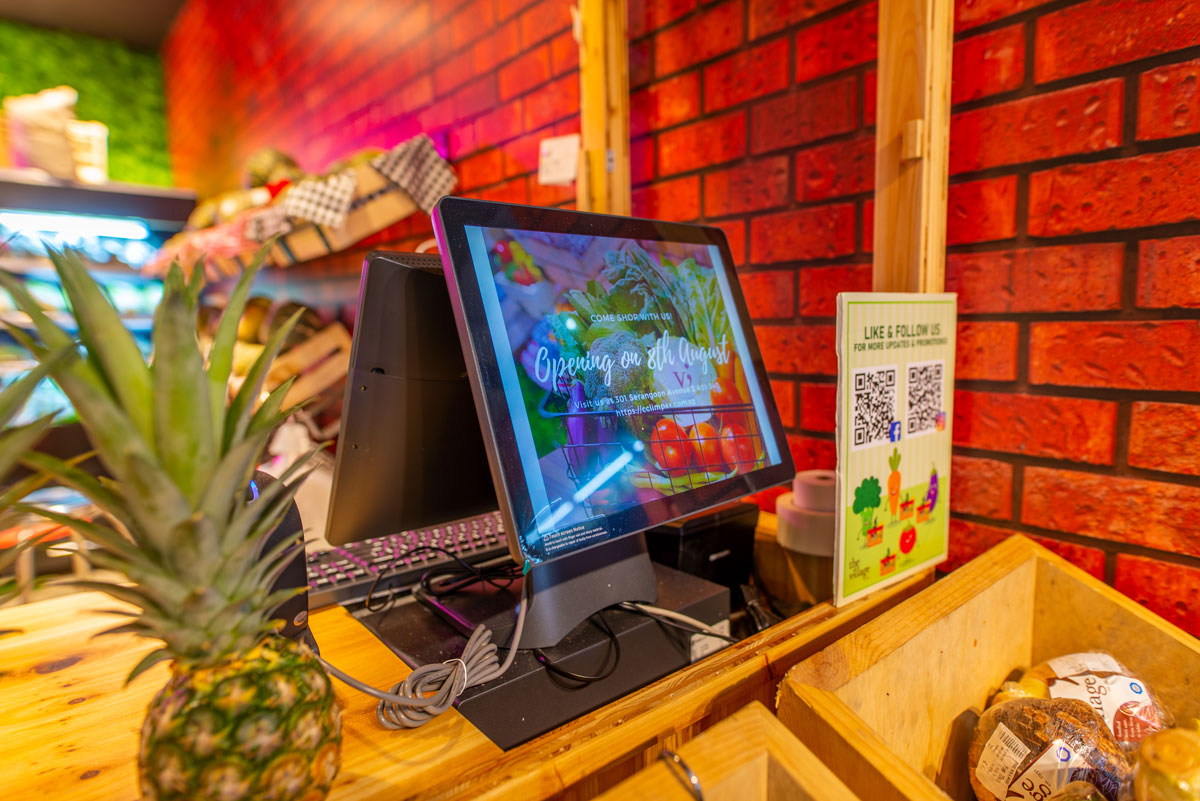
Traditional point of sale systems require dedicated checkout stations with mounted monitors, keyboards, cash drawers, and receipt printers. These setups cost thousands of dollars per location and need professional installation. Mobile alternatives start at under $100 for basic card readers and operate on devices businesses often already own.
Setup time differs dramatically between the two approaches. Fixed systems require network configuration, hardware mounting, and, sometimes, construction to install counter space and run cables. Mobile systems download as apps and connect card readers in minutes, letting businesses start processing payments the same day.
Maintenance and updates happen automatically with cloud-based mobile systems, while traditional systems often require service calls or manual software installations. This difference reduces IT overhead and ensures businesses always run current software versions with the latest security patches.
Flexibility represents the clearest distinction. Traditional systems stay in one place and handle high transaction volumes efficiently at that location. Mobile POS systems trade some processing speed for the ability to serve customers anywhere, making them suitable for businesses that prioritise reach over stationary throughput.
Choosing the Right Mobile POS System for Your Business
With multiple options available on the market for businesses to choose from, choosing the right mobile POS system for your business might seem like a daunting task to undertake. Here are some steps you can take in order to better determine the key features and benefits you truly require and how to proceed with integrating a mobile POS system into your business.
Assess Your Transaction Volume and Business Complexity
Your daily transaction volume and operational complexity should drive your system selection. High-volume businesses processing hundreds of daily transactions need robust applications that maintain speed and stability under pressure. Simple cash-and-carry operations function well with basic systems, while businesses requiring inventory management, customer account tracking, or employee scheduling need comprehensive platforms that integrate multiple business functions.
Evaluate Payment Method Capabilities
The payment methods your system supports directly impact customer satisfaction and sales conversion. Modern mobile POS systems should accept all major credit and debit cards as a baseline, along with contactless payment options like Apple Pay and Google Pay. If you serve international customers, prioritise systems with multi-currency support. Businesses targeting younger demographics will benefit from comprehensive digital wallet compatibility to meet evolving payment preferences.
Consider Hardware Durability for Your Environment
Your business environment determines the hardware specifications you’ll need. Indoor retail environments can utilise standard consumer-grade tablets, while outdoor vendors, food trucks, or industrial settings require devices with water resistance ratings and drop protection. Battery life becomes a critical consideration for businesses operating extended hours at remote locations, events, or markets without reliable access to charging stations.
Review Integration Options with Existing Business Tools
The right mobile POS should seamlessly connect with your current business software ecosystem. Automatic accounting software synchronisation eliminates time-consuming duplicate data entry for bookkeeping tasks. Real-time inventory management integration prevents customer disappointment from overselling out-of-stock items. Customer relationship management (CRM) connections enable your staff to deliver personalised service based on detailed purchase history and preferences.
Research and Compare Mobile POS Providers
Begin by identifying payment processors that offer mobile POS solutions tailored to your industry and business size. Read verified reviews from businesses similar to yours, paying attention to their experiences with customer support and system reliability. Compare transaction fees, monthly subscription costs, and contract terms across multiple providers. Take advantage of free trials or demo periods to test functionality, user interface, and performance before making a financial commitment.
Implement Comprehensive Staff Training
Thorough staff training before customer-facing deployment ensures smooth operations and confident employees. Schedule hands-on practice sessions covering common transactions, processing refunds, applying discounts, and basic troubleshooting steps. Develop clear protocols for handling technical challenges like connectivity interruptions or low battery situations to maintain consistent service quality. Create quick-reference guides that staff can consult during busy periods or when questions arise.
Launch with a Phased Rollout Strategy
If your business operations allow, implement a limited rollout by running the mobile POS alongside your existing payment systems initially. This parallel approach lets you verify that the system meets your operational needs without risking service disruptions. Actively gather feedback from both staff members and customers about their experience with the new system. Analyse real-world usage patterns, identify pain points, and make necessary adjustments before committing to full-scale deployment across all locations or sales channels.
Mobile point of sale systems deliver genuine advantages for businesses that serve customers in multiple locations or want to eliminate checkout bottlenecks. The portability combines freedom of movement with professional payment processing capabilities that were once available only through expensive fixed installations. Businesses ready to modernise their payment acceptance should evaluate how mobile POS aligns with their specific operational patterns and growth plans.