March 2026
This March, several features across our Backend, Android POS have implemented features to enhance the experience of both the users and customers.
What’s New
Not sure which affects you?
These icons indicate which group of users is impacted by each enhancement: Point of Sale (POS) users, Backend users, or Web Ordering App users.
(🖥️ POS — ⚙️ Backend — 📱 Web Ordering App — 🤖 Android POS — 🗣CRM — 👨🍳 Kitchen Display System (KDS) — 📦 Stock Take Device — 🔊Soundbox — 🛒 Kiosk )
The Singapore Beverage Container Return Scheme (BCRS) will take effect from 1 April 2026. Our system will support the $0.10 deposit for eligible plastic bottles and metal cans (150ml – 3L).
There will be a transition period from April to September 2026, where products with existing and new BCRS barcodes may be in circulation.
✅BCRS support is now available in our system, covering POS, backend setup, and reporting.
🌟Before you start
BCRS is not enabled by default. If you want to use this feature, please reach out to our Customer Support Team to install the BCRS plugin.
📖 Guides
‼️Things to note‼️
- BCRS deposit is not GST applicable
- Deposit is based on number of containers, not item price
- You may need to manage 2 barcodes during the transition period
💻Coming Soon
We are working on extending BCRS support to:
- Portrait POS
- Kiosk
- WebApp
- Sales by Shift
- Product Sales Report
- ERP
More updates will be shared once available.
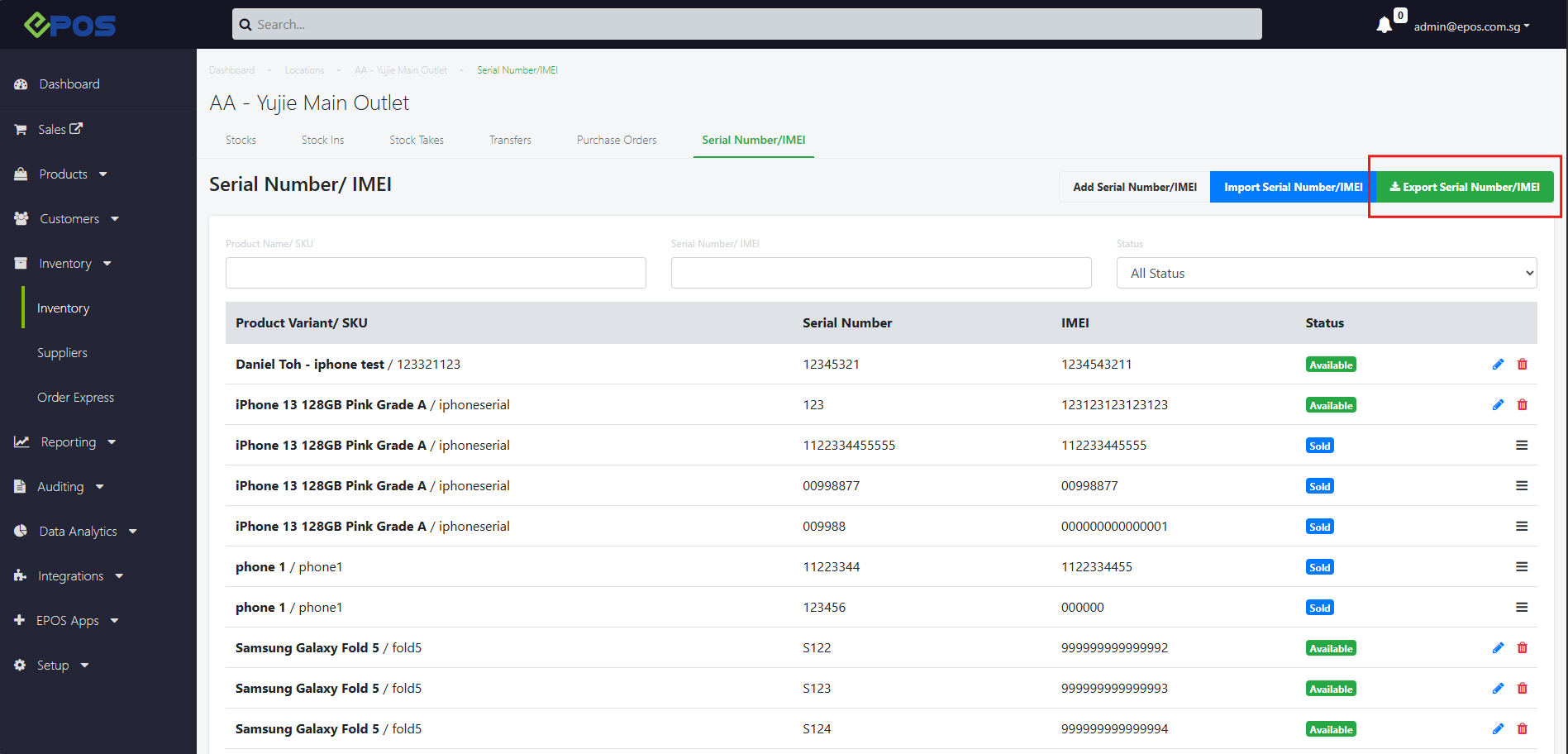
We have added a new button on our Inventory page for Serial Number/IMEI products!
WHAT’S NEW:
Serial Number/IMEI under Inventory can now be exported into a .csv file
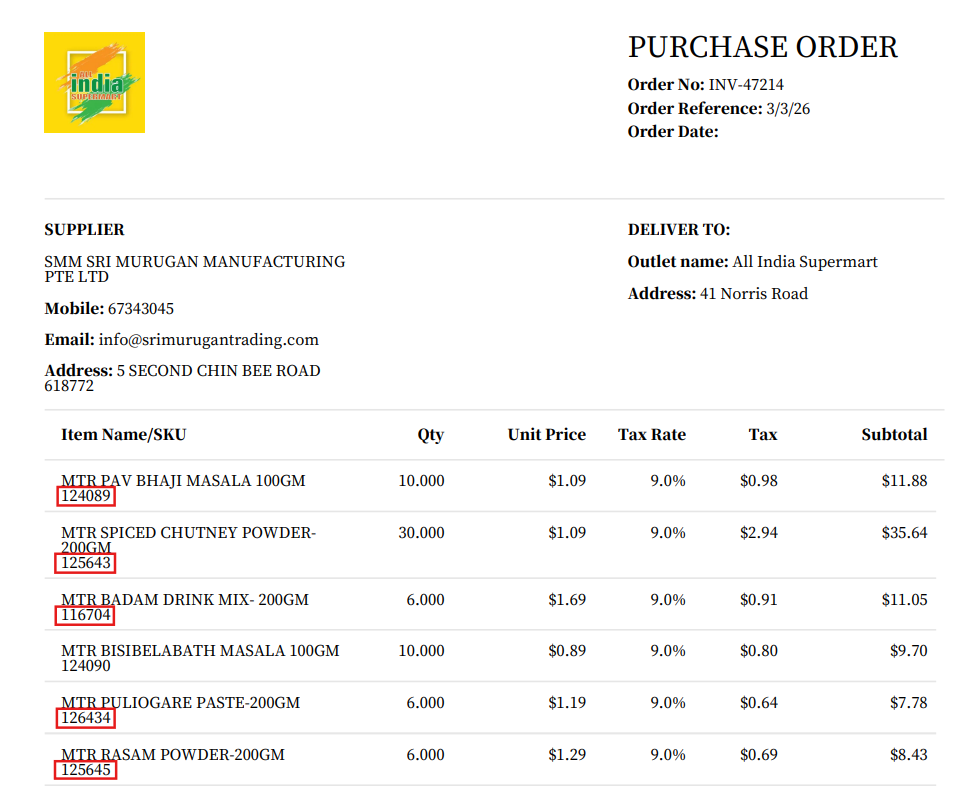
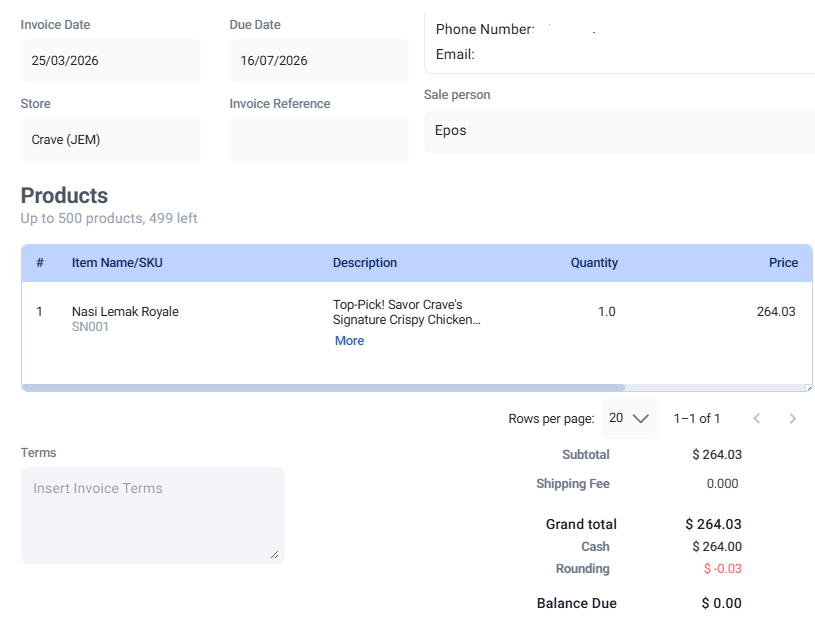
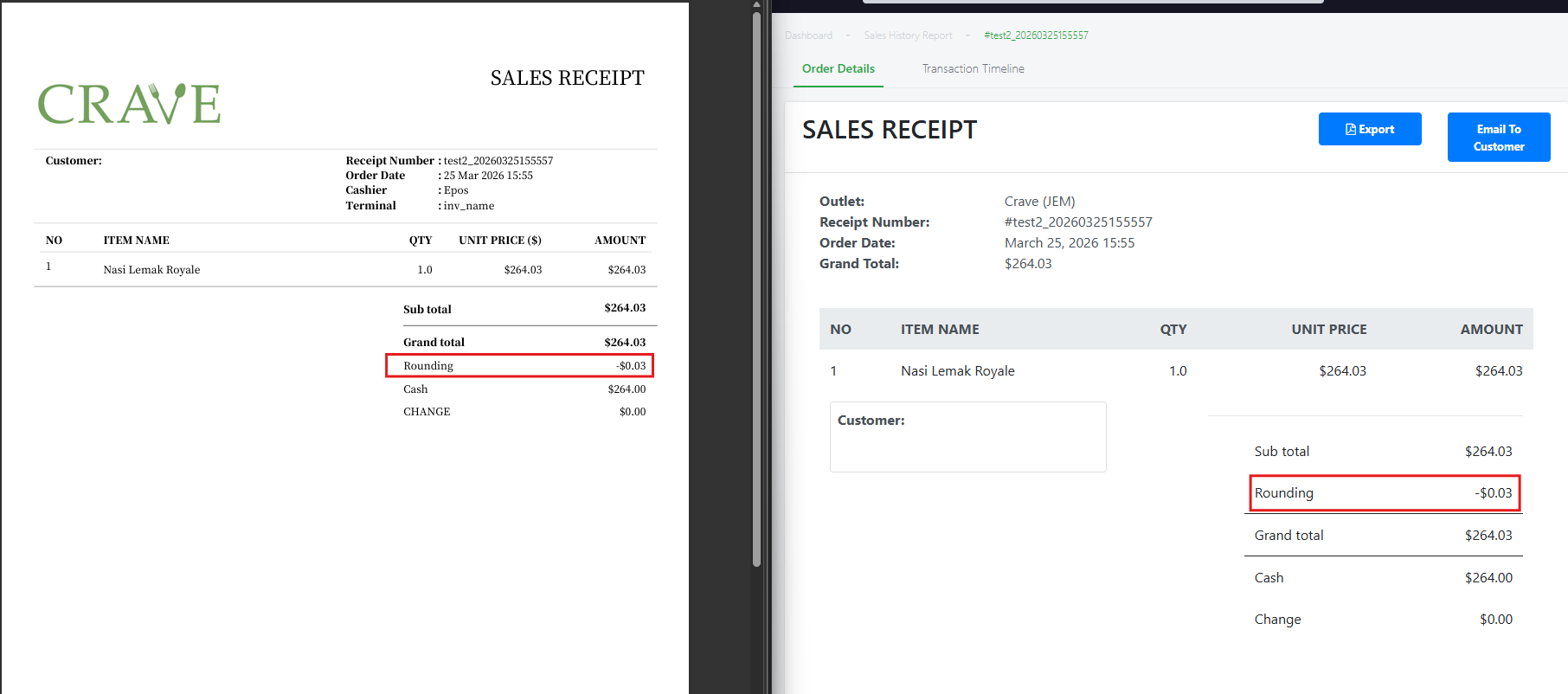
We have rolled out new enhancements for our Purchase Order
What’s NEW
- Users can now see SKU of each ordered items below the product name on the exported PDF of their Purchase Order.
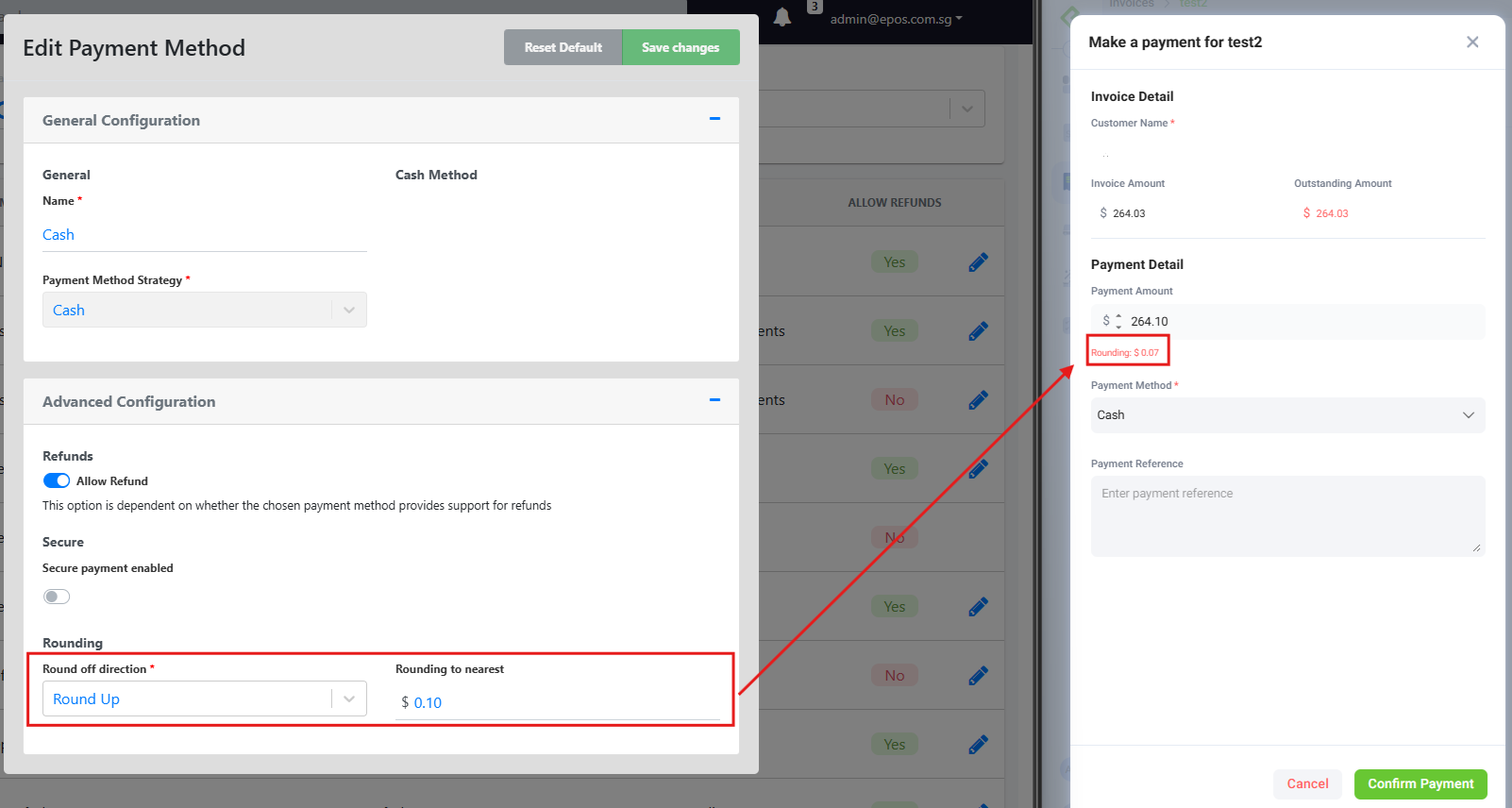
We have roll out a new enhancement that allows merchants to blacklist specific payment methods from earning membership points!
WHAT’S NEW:
1. Merchants can go to their backend (Customers > Memberships > Rebate Config) and configure which payment method they wish to blacklist
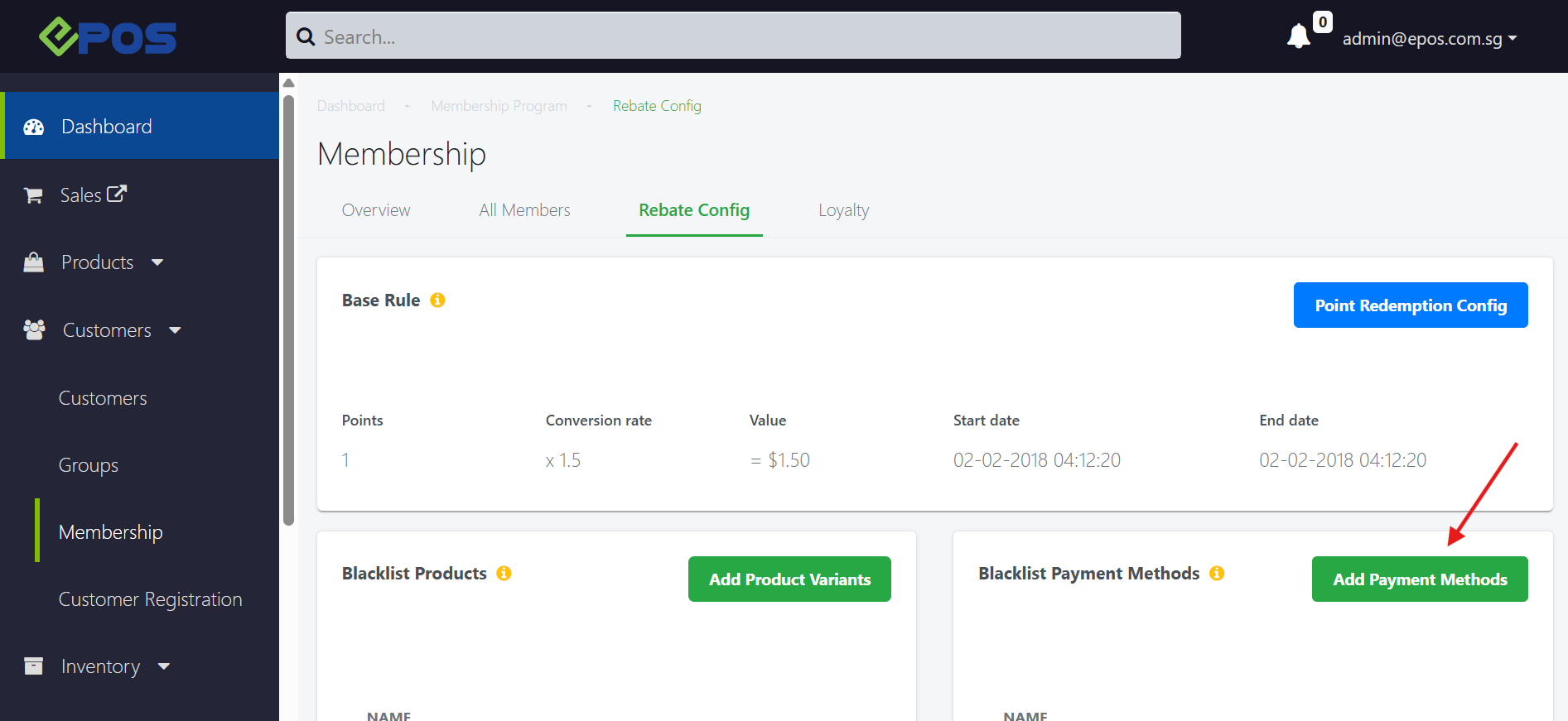
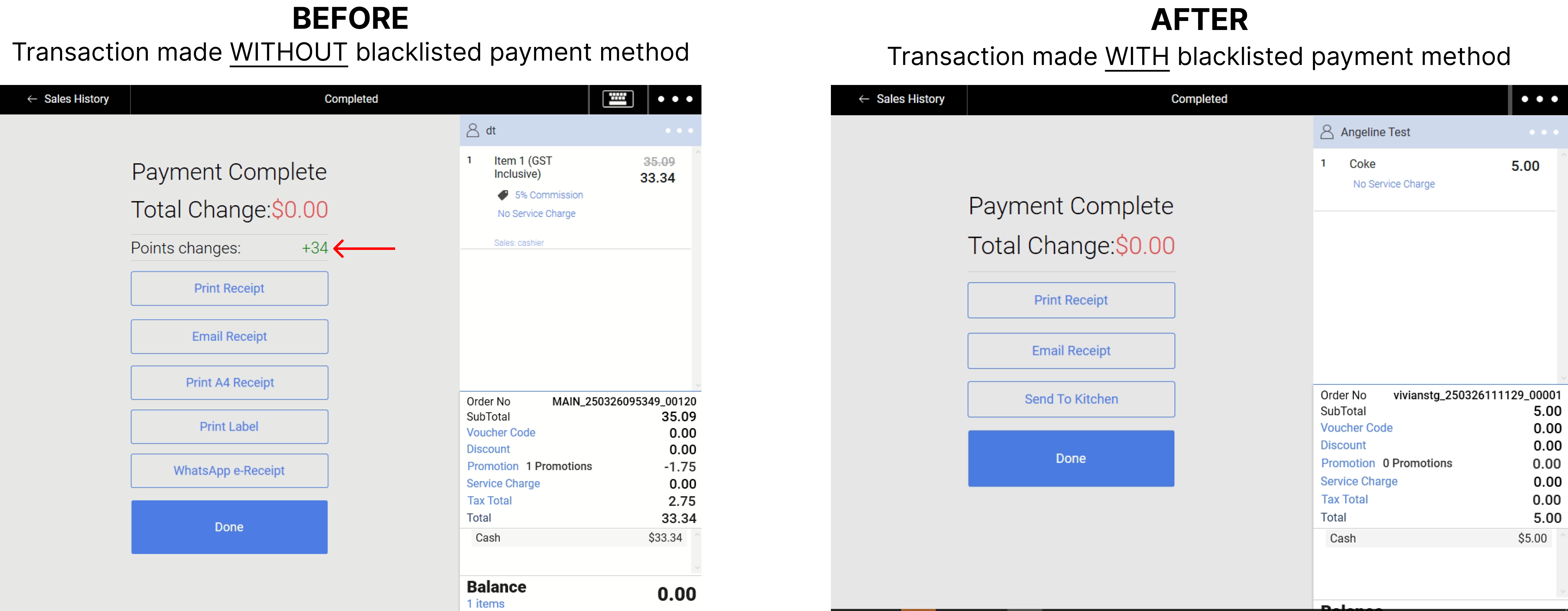
2. Any payment methods listed under the Blacklist will no longer earn any membership points for future transactions.
Take a look below at the before & after blacklisting the payment method:
We have rolled out a new enhancement for our kiosks!
WHAT’S NEW:
- A new option to hide line item note is available on the backend
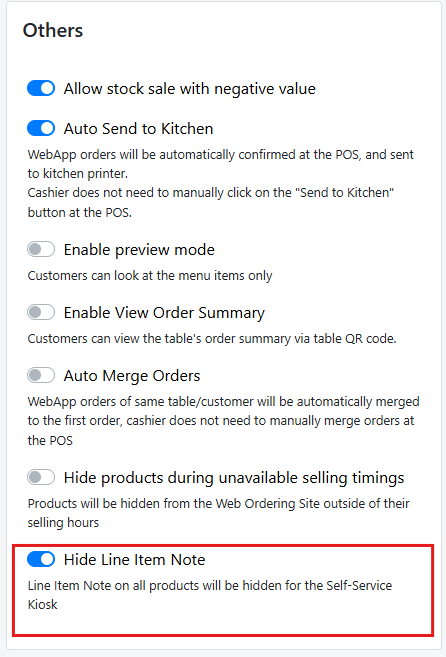
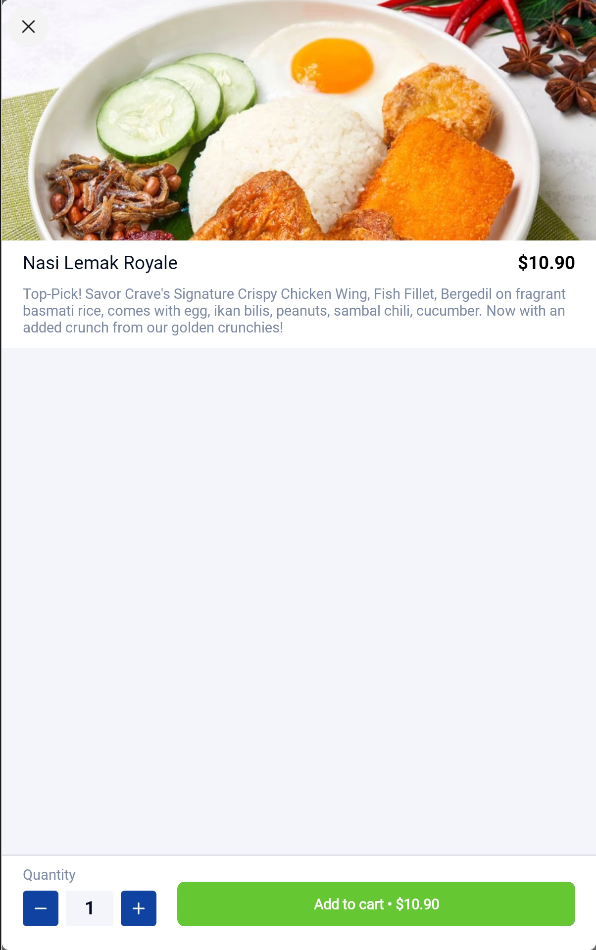
- When this option is enabled, line item note will be hidden on all products on your kiosks
We have enhanced our product image resolution for Sunmi K2 F&B Kiosk merchants!
WHAT’S NEW:
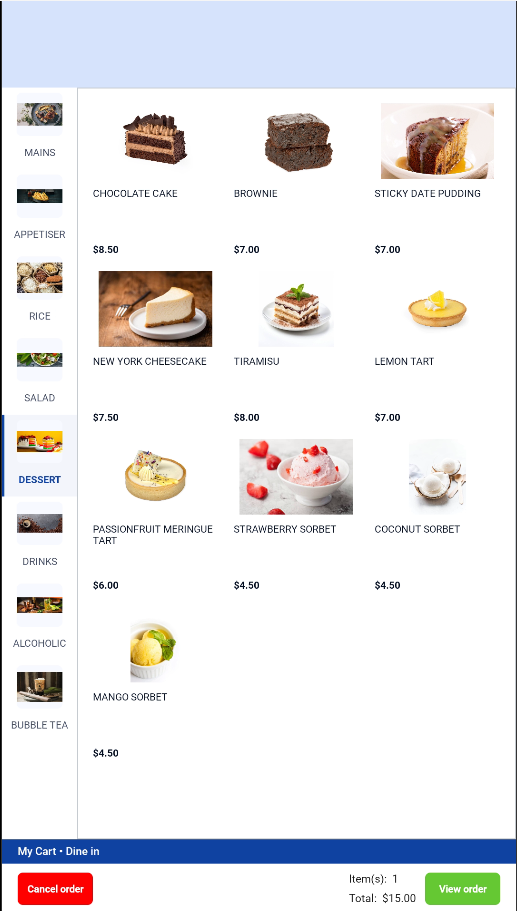
Product images are now displayed in full, in their original resolution on all Sunmi K2 F&B kiosks.
We have rolled out new enhancement for our WooCommerce!
What’s NEW
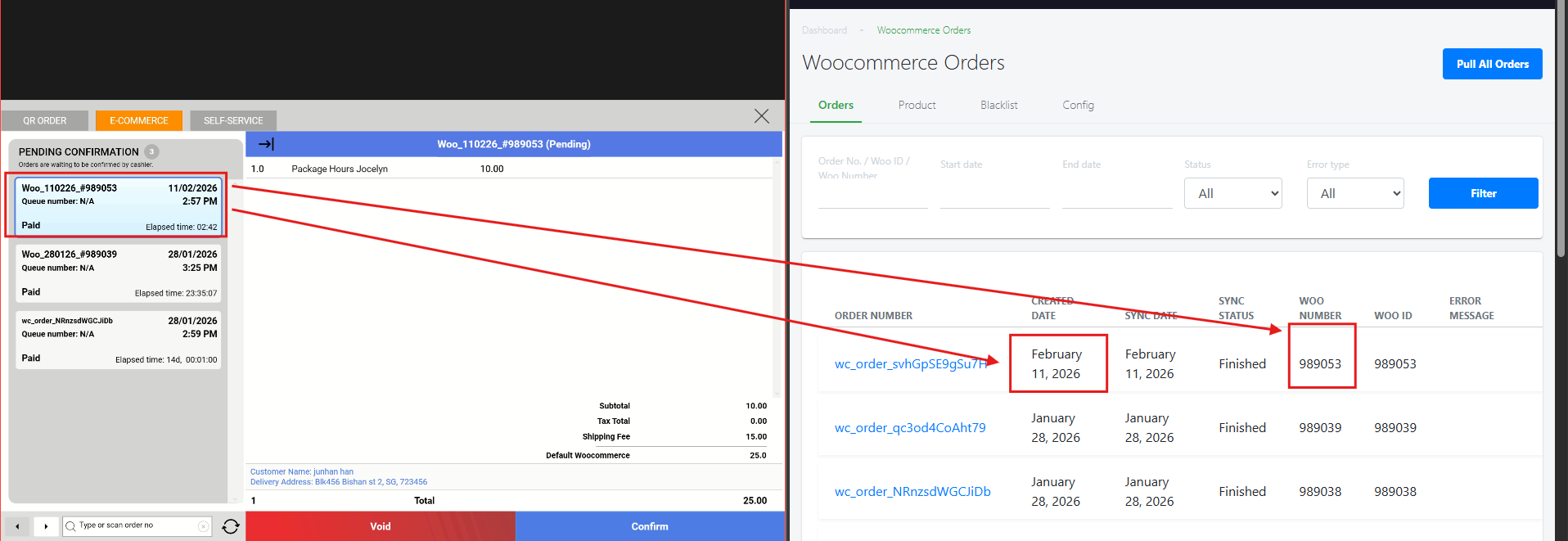
- WooCommerce orders are now updated with a new order format which is reflected on the POS.
How to Update
For POS related features, user will need to update the POS to the latest version, version v2.543.
For Backend related features, users are not required to perform any actions, the new features would automatically be updated.
Feedback
We value your input! If you encounter any issues or have suggestions for further improvements, please don’t hesitate to contact us.
Stay Connected
Stay updated with the latest news and updates by following us on our social platforms.
Thank You
We appreciate your continued trust in EPOS. This update is just one of many steps we’re taking to provide you with the best POS system on the market.
If you have any questions or need assistance with the update, please contact our support team at:
Call: 6871 8833 / Email: [email protected] / Whatsapp: 8482 1888