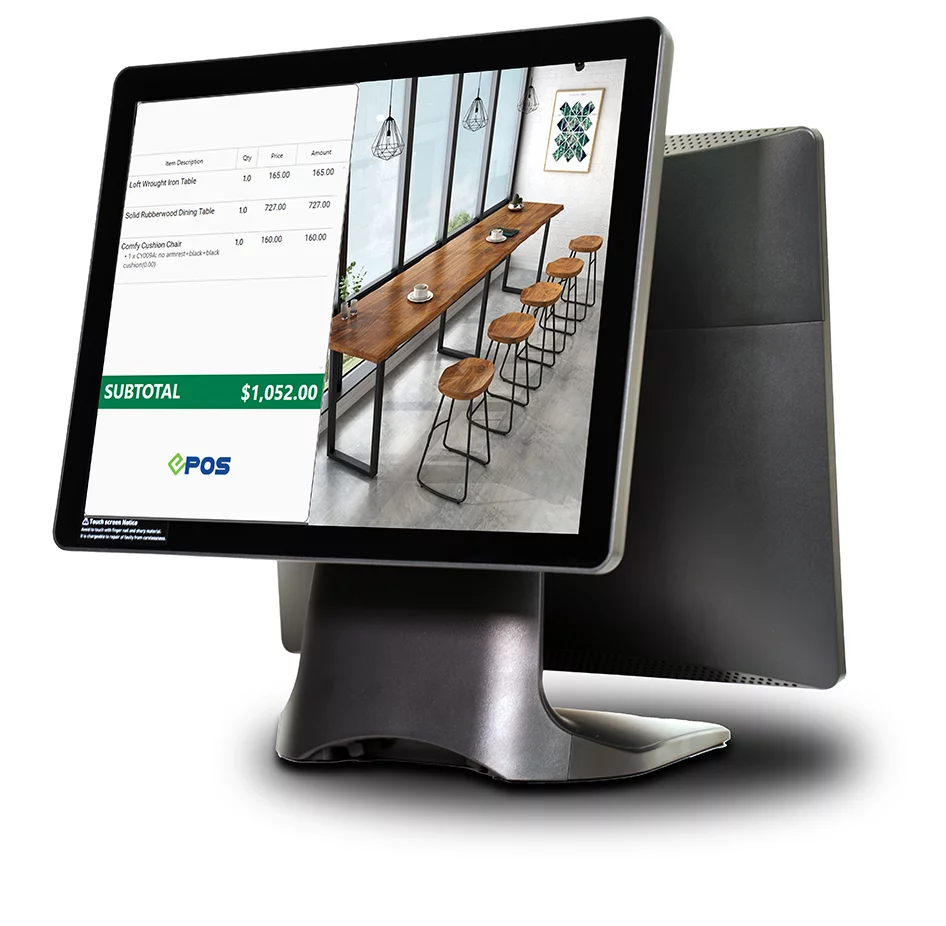
Running a business without a modern Point-of-Sale system means slower checkouts, manual inventory tracking, and missed sales opportunities. This POS system guide explains what a POS system is, how it transforms daily operations, and which features matter most for retail and F&B businesses in Singapore.
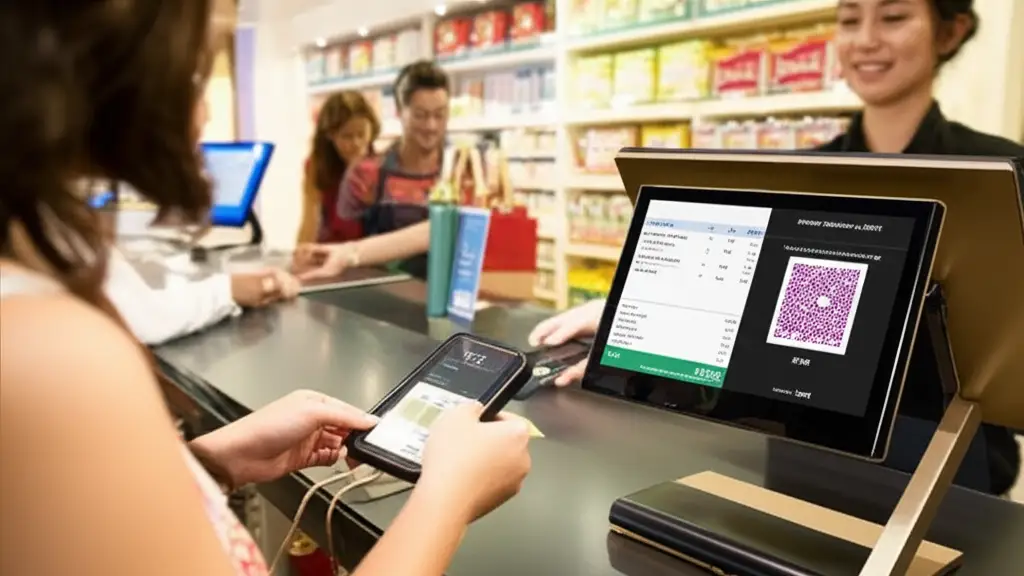
What Is a POS System?
A Point-of-Sale system is where customers complete transactions at your business. Modern POS solutions go far beyond payment processing. They integrate software and hardware to manage inventory, track customer data, generate sales reports, and coordinate operations across multiple channels, making smarter decisions.
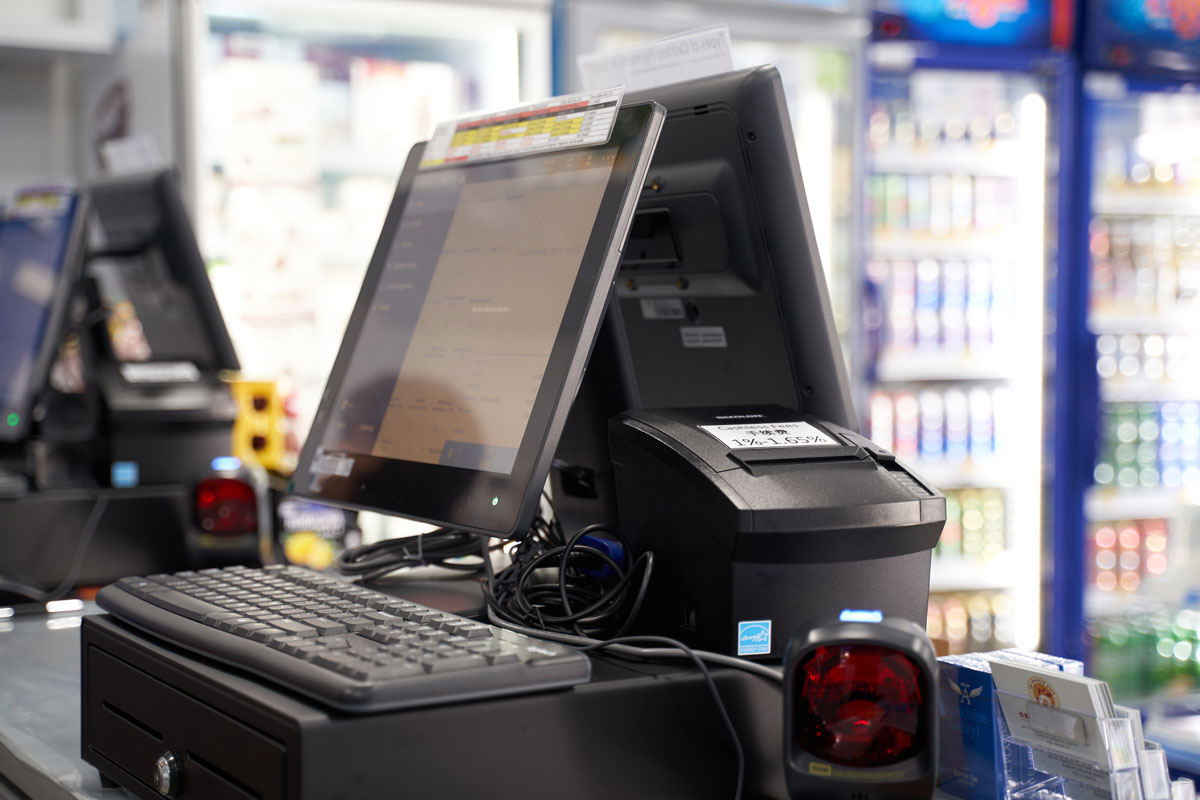
The core components include a payment terminal or tablet, a receipt printer, a cash drawer, and cloud-based software that connects everything. When a customer purchases an item, the system updates inventory levels, records the transaction, and stores customer information automatically.
Small businesses previously relied on basic cash registers. Those limited tools could not track stock levels, analyse buying patterns, or integrate with online stores. Current POS technology addresses these gaps while remaining affordable and user-friendly.
How Does a POS System Work?
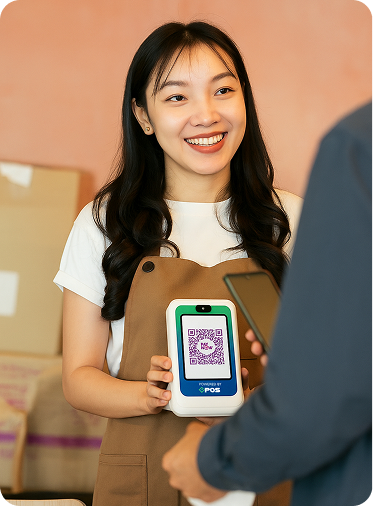
The transaction process follows a straightforward sequence. Staff scan items or select them from a digital menu. The system calculates totals, including applicable taxes and discounts. Customers pay through their preferred method, whether cash, card, PayNow, or QR code. Inventory adjusts in real time across all locations. Digital or printed receipts are issued immediately.
Behind this simple interface, the system connects with inventory databases, accounting software, and customer relationship management tools. Cloud connectivity lets you monitor sales from anywhere, receive automatic software updates, and quickly recover data if hardware fails.
Integration capabilities separate basic systems from comprehensive solutions. The best platforms connect with e-commerce sites, delivery services, loyalty programs, and accounting packages. This eliminates duplicate data entry and reduces errors.
In a simplified view:
- Customer selects items in-store or online.
- Staff enter sales via tablet, smartphone, or POS terminal.
- POS calculates the total including discounts, taxes, or promotions.
- Payment can be made by cash, credit card, PayNow, QR code, or e-wallet.
- Inventory updates automatically, in real time.
- Receipt is issued physically or digitally.
- Sales data is stored for reports and analytics.
Core Benefits for Singapore Businesses
Modern POS systems do far more than just ring up sales. They transform how your entire business operates:
- Operational efficiency improves dramatically with automated processes.
Staff spend less time on manual tasks and more time serving customers. Checkout speeds increase while calculation errors disappear.
- Inventory management becomes precise and effortless.
Track stock levels across warehouses and retail locations simultaneously. Set automatic reorder alerts when items run low. Identify slow-moving products before they tie up cash flow.
- Business intelligence transforms from guesswork to data-driven decisions.
Reports reveal your best-selling products, peak sales periods, and most profitable customer segments. Staff performance metrics help optimise scheduling and training priorities.
- Customer experience upgrades through personalised service.
Store purchase histories enable targeted promotions. Loyalty programmes reward repeat business automatically. Digital receipts and mobile payment options meet customer expectations for convenience.
- Multi-channel selling capabilities enable you to accept orders from physical stores, mobile devices, and online platforms through a single unified system.
Inventory synchronises automatically whether customers shop in person or online.
- Security and compliance features protect sensitive data through encryption and regular backups.
Cloud systems ensure business continuity even if hardware fails. Access controls limit which staff members can process refunds or adjust prices.
Types of POS Systems
Understanding the different POS system types helps you choose the right fit for your business model and budget.
- Cloud-based systems
Cloud-based systems store data on remote servers accessible via the internet. They suit retail shops, restaurants, salons, and pop-up businesses. Benefits include automatic updates, remote access, and lower upfront costs. Internet dependency is the main consideration.
- Mobile POS solutions
Mobile POS solutions use smartphones, tablets with card readers or a handheld payment terminal. Food trucks, market vendors, and small retailers appreciate the portability and minimal investment required. Functionality may be more limited compared to full systems.
- On-premise systems
On-premise systems are installed on local servers within your business. Large retailers with complex needs or legacy infrastructure sometimes prefer this approach. Higher costs and ongoing IT maintenance requirements make them less common for small businesses.
- Self-service kiosks
Self-service kiosks reduce wait times at restaurants, clinics, and retail stores. Customers place orders or check out independently. Labour costs decrease while order accuracy improves through direct customer input.
POS Solutions Comparison Table
| Type | Best For | Features |
|---|---|---|
| Cloud POS | Retail, F&B, salons, pop-up shops | Internet-based, scalable, updates automatically |
| Mobile POS | Food trucks, events, and small retail | Uses a smartphone/tablet, portable, low cost |
| On-Premise POS | Large retailers, legacy systems | Installed on local servers, needs IT maintenance |
| Self-Service Kiosk |
Restaurants, clinics, retail | Reduce wait times, increase order accuracy, and save labour costs |
Understanding Singapore’s Retail Technology Landscape in 2026
Before diving into POS system selection, it’s crucial to understand the unique dynamics of Singapore’s retail market. As of 2025, Singapore leads Southeast Asia with a 97% cashless payment adoption rate, making the right POS technology infrastructure non-negotiable for retail success. (Statista 2021)
The digital payments market in Singapore is experiencing explosive growth, with transaction values projected to reach US$22.57 billion in 2023, growing at an annual rate of 8.74% through 2027 (Research & Markets). For retailers, this means that your POS system must support the full spectrum of modern payment technologies Singaporeans expect—from traditional cards to mobile wallets and instant bank transfers.
Recent regulatory developments add another layer of urgency. The Monetary Authority of Singapore (MAS) and the Association of Banks in Singapore (ABS) have established the Singapore Payments Network (SPaN) to consolidate the administration of national payment schemes. This consolidation brings stricter compliance standards that retailers must prepare for in 2026.
What This Means for Your POS Selection:
- Your POS system must support diverse digital payment methods and evolving standards
- Compliance with MAS regulations is essential for operating in Singapore
- Fast payout speeds directly impact cash flow (same-day vs 2-3 days)
- Modern payment infrastructure isn’t optional, but a competitive necessity
- Real-time inventory and sales data become critical for business agility
Critical POS System Capabilities for Singapore Retailers in 2026
In Singapore’s competitive retail environment, your POS system needs to do far more than just process transactions. Here’s what modern retail POS systems must deliver:
- Multi-Channel Sales Management
Your system should unify inventory across physical stores and online channels with real-time stock updates to prevent overselling. This includes centralised customer data from all touchpoints and consistent pricing and promotions across channels, ensuring customers have the same experience whether they shop in-store or online.
- Advanced Inventory Intelligence
Look for automated low-stock alerts and reorder points that keep your shelves stocked without manual monitoring. The system should track product performance and trends, manage supplier relationships and purchase orders, and handle barcode/SKU management for fast, accurate operations. Multi-location inventory transfers and tracking in real time are essential for retailers with multiple outlets, ensuring accurate availability information regardless of where customers shop.
- Customer Relationship Features
A strong POS system captures customer purchase history and preferences, integrates loyalty programs with points tracking, and enables targeted promotions based on buying patterns. Customer segmentation tools allow for personalised marketing, while gift card and store credit management features help drive repeat business.
- Staff Management and Security
Role-based access controls and permissions protect your business data across sensitive functions like processing refunds, adjusting inventory or viewing reports, while detailed audit trails track all system activities. Multi-user support with individual login credentials ensures accountability across your team. This protects against theft and errors while maintaining accountability.
- Payment and Transaction Flexibility
Singapore customers expect multiple payment options, so your POS should support all major payment types, including cash, credit cards, debit cards, PayNow, QR codes, and mobile wallets. Split payment and partial payment options, easy returns and exchanges, and offline mode for uninterrupted operations during internet outages are non-negotiable. Fast settlement times directly improve your cash flow.
- Reporting and Analytics
Real-time sales dashboards and performance metrics give you instant visibility into your business. Customisable reports address different business needs, while tax reporting and GST compliance tools simplify regulatory requirements. Profit margin analysis by product and category, along with peak hours and seasonal trend identification, helps you make data-driven decisions, allowing you to forecast demand accurately.
- Cloud Accessibility
Monitor operations remotely and access data from any device. Automatic backups protect against data loss. Software updates deploy without manual intervention.
Singapore Regulatory Compliance Considerations: Singapore retailers must ensure their POS system helps maintain compliance with GST reporting and calculation requirements, data protection regulations under the PDPA, evolving digital payment standards from MAS, and any industry-specific regulations that apply to sectors like F&B or pharmacy operations.
Key Questions to Ask Your POS Provider:
- Can the system scale as my business grows (more products, locations, users)?
- How does the system handle inventory across multiple locations?
- What customer data can I capture and use for marketing?
- Are there transaction limits or volume restrictions?
- How quickly can I access sales and inventory reports?
- Does the system work offline if internet connectivity fails?
The Rising Threat of Payment Fraud in Singapore
Security concerns in Singapore’s digital payment ecosystem are escalating. Recent reports from MAS and the Singapore Police Force highlight that scammers are obtaining victims’ card credentials through e-commerce phishing websites and social media advertisements, then adding stolen card details to their own Apple Wallet or digital payment apps.
For retailers, this means your POS system must include advanced fraud detection beyond basic compliance:
- Real-Time Transaction Monitoring
AI-powered anomaly detection should flag suspicious transaction patterns as they happen, not days later. Velocity checks prevent rapid-fire fraudulent transactions, while geolocation verification adds an extra layer of security for card-not-present transactions by confirming the purchase location matches expected customer behaviour.
- Tokenisation for Card Data
Your system should replace sensitive card data with unique tokens, ensuring card details are never stored on your system. This approach dramatically reduces your PCI-DSS compliance scope and eliminates a major vulnerability point in your security infrastructure.
- Multi-Factor Authentication (MFA)
Require additional verification for high-value transactions to protect against fraud. SMS or app-based confirmation for unusual purchase patterns adds friction only when necessary, protecting both your business and customers without slowing down routine transactions.
- Employee Access Controls
Detailed audit logs should track who accessed what data and when, creating accountability across your team. Automatic lockouts after failed login attempts prevent brute-force attacks, while permission levels limit exposure to sensitive data so employees only see what they need for their role.
- POS System Update Management
Automatic security patches and firmware updates protect against newly discovered vulnerabilities without requiring manual intervention. Cloud-based systems typically offer faster security response times, ensuring you’re protected as soon as threats are identified rather than waiting for scheduled maintenance windows.
What to Ask About Security:
- How does the system handle card data encryption in transit and at rest?
- What fraud detection algorithms are built in?
- How quickly are security vulnerabilities patched?
- Does the system maintain detailed transaction audit trails?
- What happens to customer data if there’s a system breach?
- Is the provider transparent about security incidents?
Remember: A single data breach can destroy customer trust and result in significant financial penalties. Investing in a POS system with robust security isn’t optional—it’s essential business protection.
Getting Started with Your First POS
Choosing your first POS system doesn’t have to be overwhelming. Breaking it down into these manageable steps would ease the process:
- Assess your business requirements before comparing systems
Consider your sales volume, number of locations, product variety, and integration needs. F&B businesses require table management and kitchen printing. Retailers need robust inventory features and e-commerce connections.
- Budget for both software subscriptions and hardware costs
Many providers offer financing or bundle packages. Research whether you qualify for IMDA SMEs Go Digital programme, and for grants like the Productivity Solutions Grant, which covers up to 50% of approved solution costs for eligible small businesses.
- Consider implementation timelines vary based on complexity
Basic setups take a few hours. Businesses with multiple locations or extensive inventory may need several days for configuration and staff training. Most providers include onboarding support and training materials.
- Trial periods let you test systems before committing
Take advantage of free trials to evaluate interface design, feature completeness, and customer support responsiveness.
Common Questions About POS Systems
Can I use my own PC/tablet as a POS?
- Standard computers or tablets, like Apple iPads or Android tablets, can run many cloud-based POS applications. Commercial-grade hardware withstands heavy daily use better than consumer devices. Consider durability requirements based on your environment and transaction volume.
Is cloud POS secure?
- Cloud systems employ bank-level encryption to protect payment data and customer information. Automatic backups prevent data loss. Reputable providers comply with PCI DSS security standards for payment processing.
How long does setup take?
- Setup duration depends on hardware installation needs and training requirements. Simple mobile systems activate within hours. Full implementations with multiple terminals and integrations may take several days.
Which POS system is best for small F&B businesses?
- Food and beverage businesses benefit from table management, split billing, kitchen display systems, QR code ordering, and integration with delivery platforms. Look for systems designed specifically for restaurant operations.
Making the Right Choice for Your Business
The right POS system serves as your operational foundation. It should match your current needs while supporting future growth. Prioritise solutions that integrate with your existing tools and scale as your business expands.
Focus on systems built for the Singapore market with local payment methods, tax handling, and support in your time zone. Read reviews from businesses similar to yours. Request demonstrations and ask specific questions about features that matter to your operations.
Modern POS technology is no longer optional for competitive businesses. The efficiency gains, customer insights, and operational improvements justify the investment quickly. Start by identifying your top three requirements and finding systems that excel in those areas.
Ready to Transform Your Business Operations?
Our cloud-based POS solutions help Singapore retail and F&B businesses streamline operations, increase sales, and build customer loyalty.
Eligible SMEs can receive up to 50% funding through the IMDA SMEs Go Digital programme for pre-approved solutions. We also provide Digital Marketing and Web Development solutions tailored to small business growth strategies.
Build lasting customer relationships with our WhatsApp-powered loyalty program, EPOS Rewards. Keep customers engaged and returning through automated rewards and personalised communications.
Fill in your details below and we will get in touch with you as soon as possible!